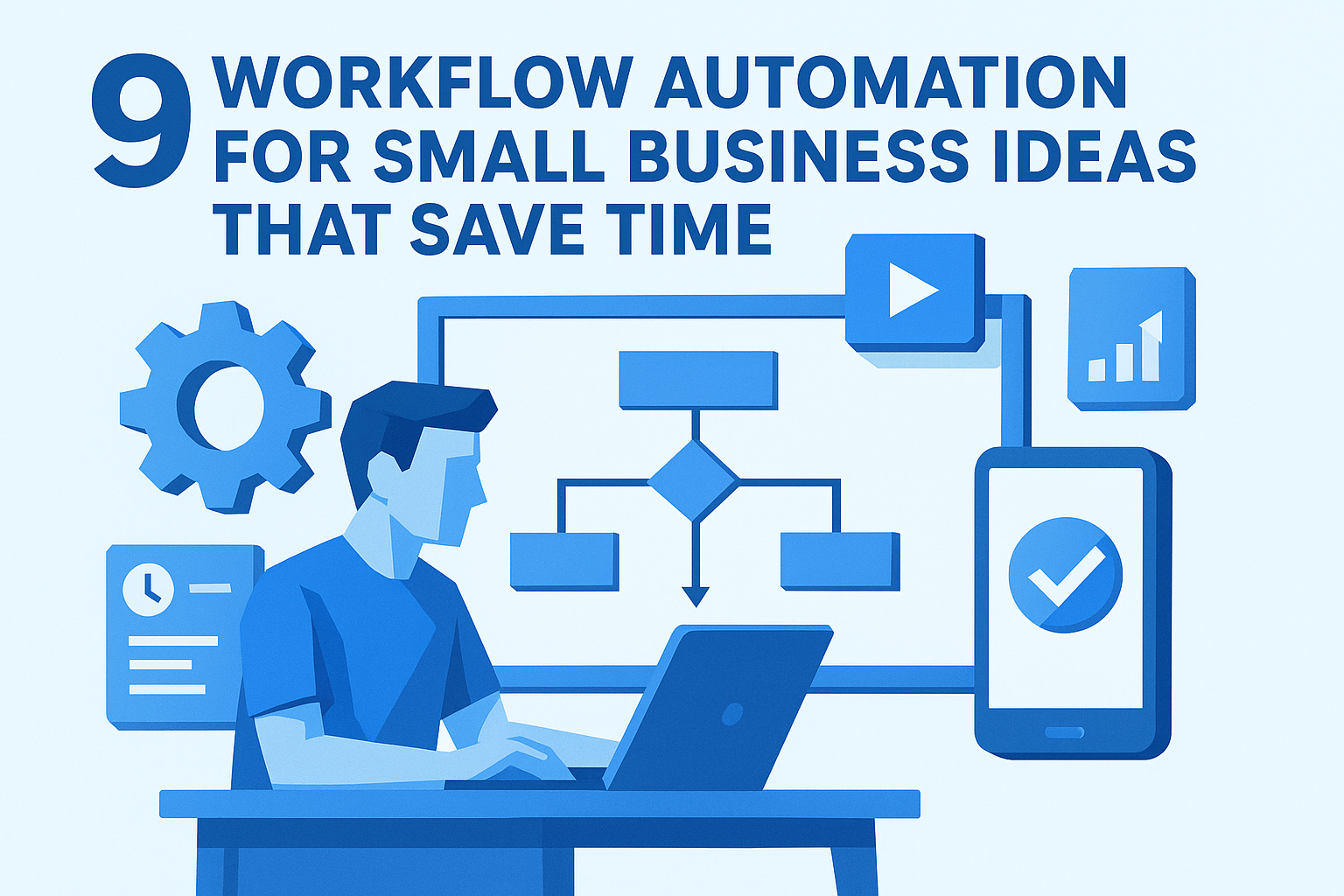
9 Workflow Automation for Small Business Ideas That Save Time
At AI Flow Chat
Contents
0%You're copying data between spreadsheets, manually sending follow-up emails, and formatting the same social media posts over and over. By the time you sit down to do actual strategic work, half your day is already gone. If this sounds familiar, you're not alone, and you're exactly the type of business owner who benefits most from workflow automation for small business operations.
The good news: automating repetitive tasks doesn't require a developer or a massive budget. Modern tools make it possible to eliminate hours of manual work each week, even if you're a solo operator or running a lean team. The key is knowing which tasks to automate first and picking the right tools to do it.
This article breaks down nine specific automation ideas you can implement, from invoicing and client onboarding to content production and data entry. For content-heavy workflows in particular, platforms like AI Flow Chat let you build repeatable AI flowcharts that handle multi-step content creation without starting from scratch every time. We'll cover practical setups, recommended tools, and real time savings so you can pick what fits your business and start reclaiming your schedule.
1. Build visual workflows in AI Flow Chat
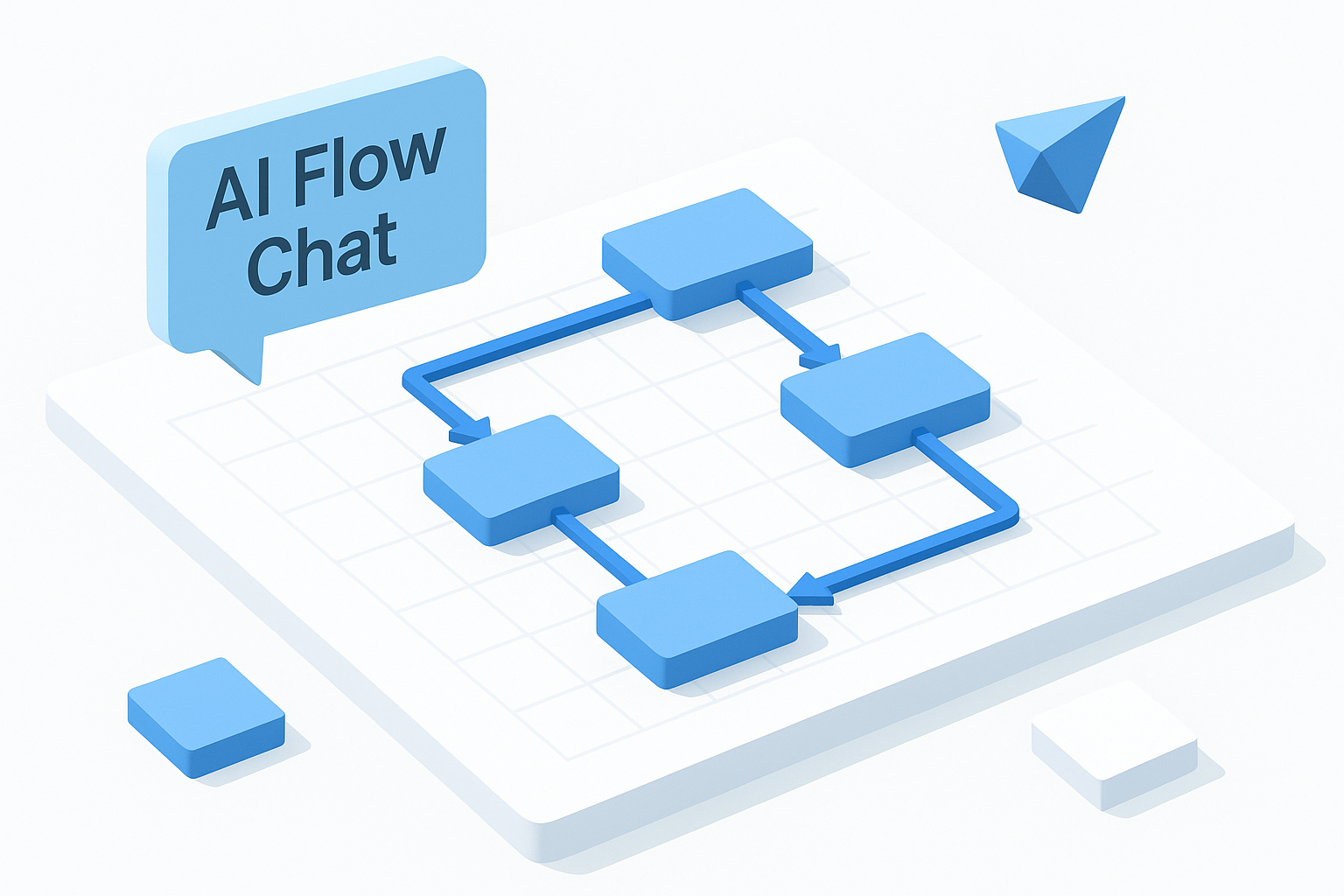
Most small business owners struggle with AI tools because standard chat interfaces force you to think linearly, which breaks down fast when your actual content process involves multiple sources, formats, and steps. AI Flow Chat solves this with a spatial whiteboard where you drag, connect, and reuse your workflow components instead of rebuilding them from scratch every session.
What you automate
AI Flow Chat lets you automate multi-step content production workflows by connecting your source materials directly to AI prompts and outputs on a single canvas. You can reference a YouTube video, a competitor ad, a PDF, or a Notion page and wire those inputs to specific prompts that generate posts, scripts, or briefs. This is one of the most practical applications of workflow automation for small business content teams because it removes the manual copy-paste loop between tools entirely.
A simple workflow you can copy
Start by pasting a link to a high-performing video in your niche into the canvas. Connect that source node to a prompt that extracts the hook, structure, and key talking points. Then wire the output of that analysis into a second prompt that rewrites the content in your brand voice for Instagram, LinkedIn, and email. Save the whole flowchart as a reusable template so the next time you find a strong reference video, you run the same sequence in minutes.
Building a saved flowchart means your best process becomes a repeatable system, not a one-time win.
Tools that usually work best
AI Flow Chat includes built-in access to OpenAI, Anthropic Claude, and Gemini under one subscription, so you can pick the model that handles your specific output type best without switching platforms or paying separate fees.
Guardrails and gotchas
The platform tethers outputs to your reference materials to reduce hallucination, but you still need to review anything going out publicly. Keep your prompts specific, and avoid vague instructions like "make it good" since the quality of the output scales directly with the clarity of your input.
What success looks like
Within a few sessions, you should have two or three saved flowcharts covering your most repeated content tasks. A solid benchmark is cutting your content production time by at least 50% per piece while keeping your output consistent across channels.
2. Automate lead capture and instant follow-ups
Every minute a new lead sits without a response, your conversion odds drop sharply. For small businesses, manual follow-up is the first process that breaks down when you're stretched thin. This is one of the highest-ROI applications of workflow automation for small business owners because the setup is simple and the payoff is immediate.
What you automate
You automate everything from form submission to first contact, including creating the CRM contact record, tagging the lead by service type or source, and triggering a personalized follow-up sequence. Here's what that covers:
- Lead tagging by source, service interest, or campaign
- Automated CRM record creation on every submission
- Timed email sequences that fire without manual input
A simple workflow you can copy
Connect your intake form to your CRM through Zapier. When a submission comes in, Zapier creates the contact record and triggers your first follow-up email within five minutes. Add a second touchpoint 24 hours later for leads who did not reply.
The five-minute response window is where most small businesses lose deals to faster competitors.
Tools that usually work best
Typeform or Jotform handles intake, Zapier connects the form to your CRM automatically, and HubSpot or ActiveCampaign manages the follow-up sequence. These three tools work together without custom code.
Guardrails and gotchas
Generic automated emails kill trust fast. Use merge fields to pull in the lead's name and the specific service they asked about. Test every trigger before going live so you don't send blank or duplicate messages to real prospects.
What success looks like
Every inquiry gets a reply within minutes, not hours. Your pipeline stays active even when you're heads-down on client work.
Warm leads arrive at sales calls already familiar with your offer, which shortens the conversation and increases close rates.
3. Turn one video into posts for every channel
Recording one video takes real effort. Manually reformatting that video into a blog post, three tweets, a LinkedIn article, and an email takes even more, and most small business owners skip it entirely. This is a straightforward workflow automation for small business win because the raw material already exists.
What you automate
You automate the transcription and multi-format repurposing of a single video into platform-specific content. The workflow pulls the transcript, extracts key points and quotes, then generates each format automatically based on channel-specific prompts you set up once and reuse every time.
A simple workflow you can copy
Paste your video link into AI Flow Chat and connect it to a transcription node. Wire that transcript into separate prompt nodes for each output: a short-form social caption, a LinkedIn post, a newsletter blurb, and a blog outline. Run the whole chain at once and review the outputs before publishing.
One video can realistically produce a full week of content across every channel you manage.
Tools that usually work best
AI Flow Chat handles the transcription and multi-format generation in one canvas. For final scheduling, connect your outputs to a publishing tool like Buffer to push each piece on the right timeline.
Guardrails and gotchas
Each platform has its own tone and character constraints, so write separate prompts per channel rather than relying on one generic instruction. Read every output before it goes live since AI can miss context that was obvious in the original video.
What success looks like
You post consistently across channels without recording new content every day. Your existing video library becomes a permanent content asset you can keep mining rather than a one-time upload.
4. Schedule and recycle social content automatically
Creating content is only half the job. Publishing it consistently and pulling strong posts back into rotation is where most small business owners fall behind. A scheduling and recycling system keeps your channels active without requiring you to log in and manually post every single day.
What you automate
You automate post scheduling across multiple platforms and the recycling of evergreen content so your best posts get a second and third life. This approach to workflow automation for small business social teams saves several hours each week by eliminating the manual platform-hopping that eats into your workday.
A simple workflow you can copy
Build a content queue in your scheduling tool and tag each post as evergreen or time-sensitive. Connect your AI Flow Chat outputs directly to the queue so new content flows in without extra steps. Set evergreen posts to recycle on a 60 to 90 day rotation so your best content keeps working long after the original publish date.
Your top-performing posts from six months ago are still worth sharing to followers who missed them the first time.
Tools that usually work best
Buffer or Later handle multi-platform scheduling well for small teams. Both let you build queues, set recycle rules, and review your calendar without complicated setup or a large monthly fee.
Guardrails and gotchas
Audit your evergreen queue every quarter to pull outdated references before they go out. Time-sensitive content like promotions or announcements should never be tagged as evergreen, since recycling them creates confusion for your audience.
What success looks like
Your social channels stay active and consistent even during your busiest weeks. Your best content compounds over time instead of disappearing after a single post.
5. Draft proposals, briefs, and scopes from intake forms
Writing a proposal from scratch after every sales call is a significant time drain that slows your close rate. When a prospect fills out your intake form, they've already handed you the core information you need. Workflow automation for small business document creation means that data flows directly into a first draft without any manual work in between.
What you automate
You automate the generation of proposals, project briefs, and scope documents directly from intake form responses. The automation maps each field to the right section of your template so the document builds itself from the information your prospect already provided:
- Client name, project type, and timeline populated automatically
- Budget range matched to your pricing tiers
- Service-specific scope language inserted based on the project category
A simple workflow you can copy
Connect your intake form to an AI prompt in AI Flow Chat that maps each form field to the corresponding section of your proposal template. When a submission arrives, the workflow fills the template and outputs a ready-to-edit document you can review and send the same day.
A same-day proposal turnaround signals professionalism and keeps the momentum from your initial conversation alive.
Tools that usually work best
Typeform or Jotform collect the intake data, and AI Flow Chat handles the template population and draft content generation. For final delivery, Google Docs works well for sharing a polished version with the client.
Guardrails and gotchas
Always review the draft before sending since AI can misread vague or incomplete form inputs. Keep your intake fields specific and structured so the automation has clean data to work with.
What success looks like
Proposals go out within hours of the initial inquiry rather than days later. You spend your time refining instead of writing from zero, and faster turnarounds translate directly to higher close rates.
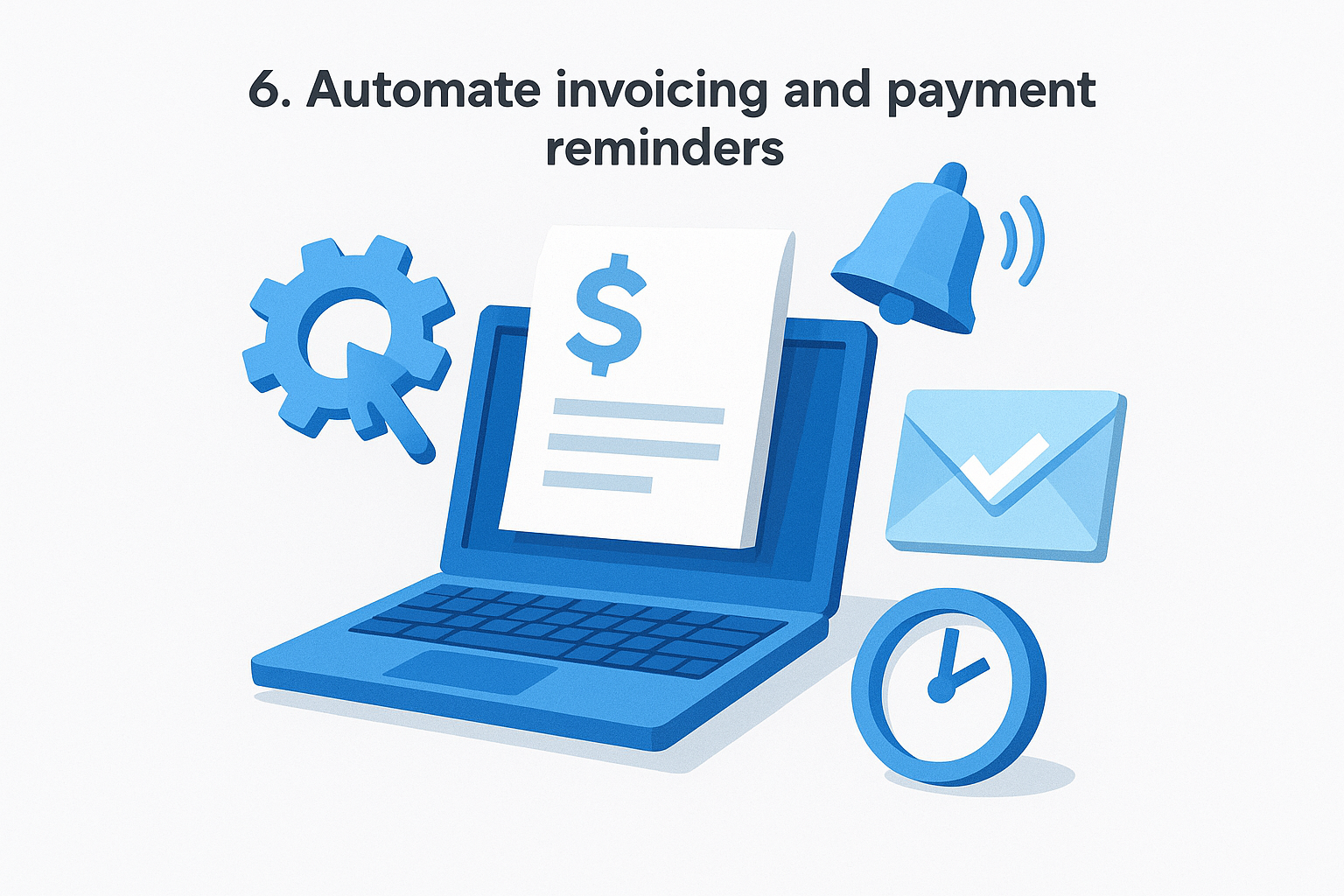
6. Automate invoicing and payment reminders
Late payments are one of the most common cash flow problems small businesses face, and chasing clients manually for money you've already earned is both uncomfortable and time-consuming. This is a high-impact area for workflow automation for small business owners because the process is predictable, repetitive, and easy to systematize.
What you automate
You automate the entire billing cycle from invoice creation to payment confirmation, including the follow-up sequence for overdue accounts. This removes the need to manually track who owes what and write individual reminder emails each time a due date passes.
A simple workflow you can copy
Set your invoicing tool to generate and send invoices automatically when a project milestone is marked complete or a fixed billing date arrives. Wire a reminder sequence that fires at three days before the due date, on the due date, and again five days after if the invoice remains unpaid.
Automated reminders remove the awkwardness of chasing payments personally while keeping your billing process consistent across every client.
Tools that usually work best
QuickBooks or FreshBooks handle invoice generation, automated reminders, and payment tracking without requiring manual input on each billing cycle. Both integrate with most bank accounts and accept online payments directly.
Guardrails and gotchas
Avoid sending reminders to clients who already paid by confirming your tool marks invoices as settled the moment payment clears. Always test your reminder sequence on a staging client before rolling it out across your full roster.
What success looks like
Your invoices go out on time, every time, and overdue balances drop because reminders arrive automatically rather than only when you remember to send them.
7. Route support requests and keep clients updated
Clients who submit a support request and hear nothing back for hours lose confidence fast. Manual triage of incoming tickets is one of those tasks that looks simple but quietly drains hours from your week, especially as your client list grows. This is a natural fit for workflow automation for small business owners who want to stay responsive without being glued to their inbox.
What you automate
You automate the intake, categorization, and routing of every support request along with the status updates that keep clients in the loop. The workflow captures the request, assigns it to the right person or queue based on type, and fires a confirmation message to the client the moment the ticket is logged.
A simple workflow you can copy
Connect your contact form or email inbox to a helpdesk tool using Zapier. When a request arrives, the automation tags it by category (billing, technical, general) and routes it to the correct team member or shared inbox. A confirmation email goes to the client automatically, letting them know their request is received and when to expect a response.
Clients who get an instant confirmation feel heard even before anyone has touched the ticket.
Tools that usually work best
Zapier connects your intake channels to a helpdesk like Freshdesk or Help Scout, both of which support automated routing rules and status notifications without requiring custom development.
Guardrails and gotchas
Review your routing logic every few months as your service offerings change. Misrouted tickets create delays that automated confirmations cannot fix on their own.
What success looks like
Every client gets an immediate acknowledgment, and requests reach the right person without manual sorting. Your response times drop and clients stop sending duplicate follow-up emails to check if you received their message.
8. Automate onboarding for clients and new hires
A poor onboarding experience costs you twice: you lose time repeating the same steps manually, and the person on the other end starts the relationship feeling uncertain and undersupported. Whether you're bringing on a new client or a contractor, a consistent automated sequence delivers a professional experience every single time without requiring your direct involvement at each step.
What you automate
You automate the welcome sequence, document delivery, and task assignment that typically happen in the first few days of a new relationship. This includes sending login credentials, process guides, and e-signature requests without touching each one by hand.
A simple workflow you can copy
When a new client signs a contract or a hire accepts an offer, the automation triggers a welcome email with everything they need: access links, a welcome guide, and a calendar link to book their kick-off call. A follow-up message fires two days later to confirm receipt and handle common questions before they need to ask.
A well-built onboarding sequence replaces three to five manual emails and cuts setup back-and-forth in half before the work even begins.
Tools that usually work best
HubSpot or ActiveCampaign handle the email sequences, while DocuSign or PandaDoc manage document collection and e-signatures automatically when the workflow fires.
Guardrails and gotchas
Personalize your welcome messages with the client or hire's name and specific project details to avoid the sequence feeling generic. Review your onboarding flow every six months as your process changes.
What success looks like
New clients and hires feel prepared and confident from day one, and you reclaim the hours previously spent walking each person through the same setup manually. This is one of the most satisfying uses of workflow automation for small business because the improvement is immediately visible to everyone involved.
Next steps
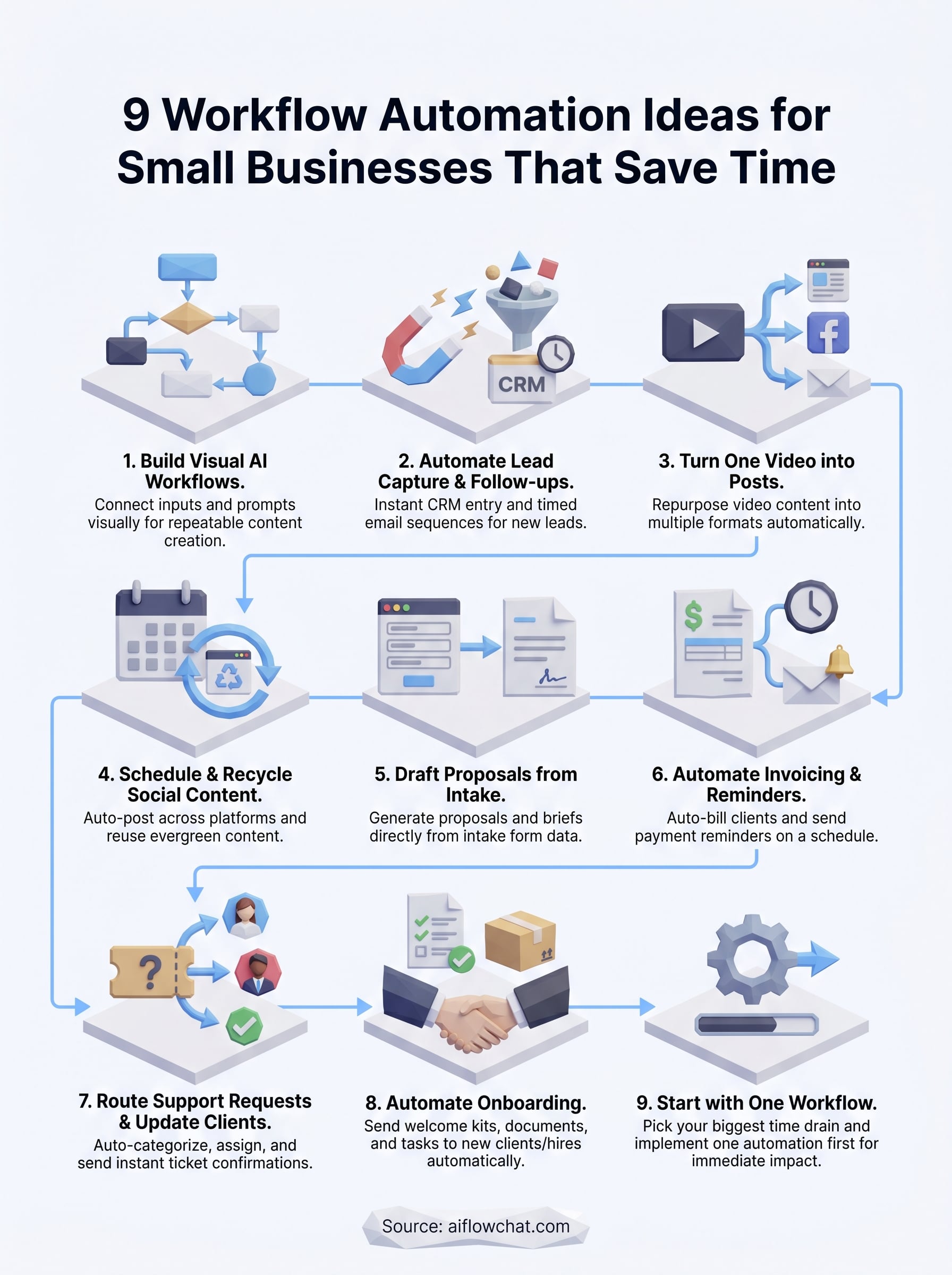
You now have eight concrete workflow automation for small business ideas ready to put into practice. The smartest path forward is to pick one workflow that matches your biggest time drain right now and build it before moving on. Stacking automations one at a time is more sustainable than trying to overhaul everything at once, and each completed system compounds your available time going forward.
Content production is a strong place to start because the gains show up fast. AI Flow Chat gives you a visual canvas to build repeatable AI flowcharts that pull from your actual source materials, whether those are competitor videos, internal docs, or reference websites, and turn them into finished content without rebuilding the process from scratch each time. Start your first flowchart today and measure how much time you recover by the end of the week.
Continue Reading
Discover more insights and updates from our articles
Choose an AI model for scripts, marketing copy, coding, research, long documents, and quick everyday work using a practical quality, speed, and credit-cost framework.
Compare eight current Poppy AI alternatives for visual research, creator workflows, general AI work, grounded synthesis, automation, and reusable delivery.
A practical method for turning a scattered content process into a clear AI-assisted flowchart with source context, review checks, and a reusable output.