More Prompts:

Best prompts for LIM for writing marketing content using LIM

12 copy-ready, image-aware prompts for LIM (language-image models) to generate marketing copy across channels. Each prompt includes a concise explanation, a realistic example with image placeholder, and recommended AI models.


GPT-5
Claude Opus 4
Gemini 2.5 Pro
Claude Sonnet 4
Gemini 2.5 Flash
You know that sinking feeling when you upload a product image to ChatGPT and ask for marketing copy, only to get generic text that could describe literally any brand? You're not alone in struggling to bridge the gap between what your AI can see and the compelling, brand-specific copy your campaigns actually need. Most marketers are sitting on goldmines of visual content but lack the right prompts to transform those images into conversion-driving copy.
These 12 battle-tested prompts solve that exact problem by giving you the precise language to extract maximum marketing value from your visual assets. From hero headlines that match your product shots to localized CTAs that reference regional imagery, each prompt is designed to turn your images into comprehensive marketing campaigns across every channel. Instead of wrestling with vague AI responses, you'll get copy-ready content that actually understands what your visuals are communicating and translates that into results.
1
Hero headline + subhead from product image
Analyze the input image [IMAGE]. Based on the product, colors, and visual context, write a high-impact hero headline (6–10 words) and a supporting subhead (12–20 words). Follow the brand voice: [BRAND_VOICE]. Include a single short CTA (2–4 words). Keep language benefit-focused and mobile-first.
Generate a bold landing-page hero headline and supporting subhead that match the visual cues in the supplied product image, brand voice, and target audience.
2
Social carousel captions + alt text + hashtags
Given the carousel images [IMAGE_1...IMAGE_N], write: for each slide, a concise caption (max 150 chars) that progresses a story; an alt text (1–2 descriptive sentences) for accessibility; and a set of 8 relevant hashtags. Maintain tone: [TONE]. Prioritize engagement and clarity.
Create five carousel slide captions tied to the image sequence, accessible alt text for each image, and 8 optimized hashtags for reach. Keep each caption under 150 characters.
3
Email subject line + preview text from promo image
Inspect the promotional image [IMAGE]. Create 8 subject lines (30–50 chars) with matching preview text (40–90 chars). Tag each pair with one label: [Urgency], [Curiosity], or [Value]. Use brand voice: [BRAND_VOICE] and goal: [GOAL e.g., drive sales, announce launch].
Produce 8 subject line options and matching preview texts inspired by a promotional image; indicate which are best for urgency, curiosity, or value.
4
PPC ad variations for image-based display
Using the input image [IMAGE] and product details: write 6 ad variations — 3 headlines (max 30 chars each) and 3 description lines (max 90 chars each). Include one CTA per variation. Specify recommended landing page URL slug and suggested audience keywords.
Create multiple short ad headlines and descriptions optimized for search or display ads, using the image as the key creative element and including a clear CTA.
5
Influencer brief and caption pack from lifestyle shot
Review the lifestyle image [IMAGE] and brand guidelines: produce a 3-bullet influencer brief with mandatory messages, do/don't list, and required hashtags/FTC language. Then provide 5 caption options (100–220 chars) matching creator tone: [CREATOR_TONE].
Draft a two-part influencer brief (key messages & usage guidelines) and 5 caption options tailored to the image and creator persona.
6
SEO headline + meta description from team/service image
Analyze the team/service image [IMAGE] and the target keyword: [KEYWORD]. Generate an H1 (50–70 chars) that includes the keyword and a meta description (120–155 chars) with a clear value proposition and CTA. If locale is provided [LOCALE], append a local signal.
Produce an SEO-optimized H1 headline and meta description inspired by a service/team photo, incorporating target keyword and local modifiers if provided.
7
A/B test copy variations for CTA + value prop
Given the image [IMAGE] and primary benefit [BENEFIT], create two full variations (A and B) that differ only by one element each: 1) Headline variation, 2) CTA variation. Provide a one-line hypothesis for each test and the KPI to measure (e.g., CTR, conversion rate).
From the image and product details, generate clear A/B variations that isolate headline, subhead, and CTA to run quick conversion tests.
AI Flow Chat

Stop Losing Your AI Work

Tired of rewriting the same prompts, juggling ChatGPT and Claude in multiple tabs, and watching your best AI conversations disappear forever?

AI Flow Chat lets you save winning prompts to a reusable library, test all models in one workspace, and convert great chats into automated workflows that scale.


Teach World Class AI About Your Business, Content, Competitors… Get World Class Answers, Content, Suggestions...
AI Flow Chat powers our entire content strategy. We double down on what’s working, extract viral elements, and create stuff fast.
Video thumbnail

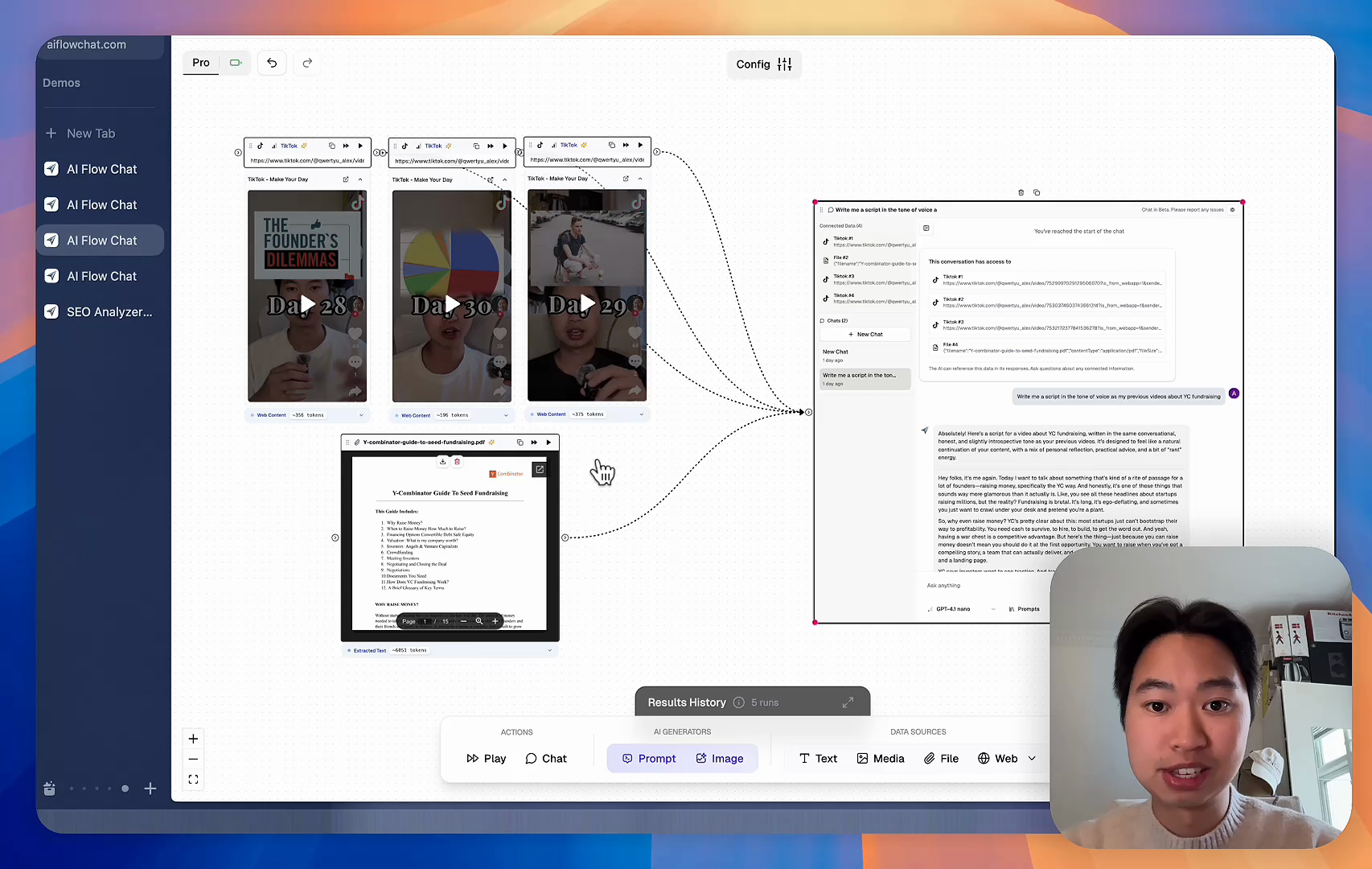
Reference Anything

Bring anything into context of AI and build content in seconds

YouTube

PDF

DOCX

TikTok

Web

Reels

Video Files

Twitter Videos

Facebook/Meta Ads

Tweets

Coming Soon

Audio Files

Coming Soon

Choose a plan to match your needs

Upgrade or cancel subscriptions anytime. All prices are in USD.

Basic

For normal daily use. Ideal for getting into AI automation and ideation.

$30/month
  • See what Basic gets you
  • 11,000 credits per month
  • Access to all AI models
  • 5 app schedules
  • Free optional onboarding call
  • 1,000 extra credits for $6
Get Started

No risk, cancel anytime.

ProRecommended

For power users with high-volume needs.

$100/month
  • See what Pro gets you
  • 33,000 credits per month
  • Access to all AI models
  • 10 app schedules
  • Remove AI Flow Chat branding from embedded apps
  • Free optional onboarding call
  • 2,000 extra credits for $6
Get Started

No risk, cancel anytime.

Frequently Asked Questions

Everything you need to know about AI Flow Chat. Still have questions? Contact us.