More Prompts:

Best prompts for LIM for summarization using news articles

12 copy-ready prompts tailored for Large Input Models (LIMs) to summarize news articles. Each prompt is specific, practical, and includes a concise explanation and a realistic example. Replace <ARTICLE_TEXT> with the news article content.


Claude Opus 4
Claude Sonnet 4
Gemini 2.5 Pro
GPT-5
Gemini 2.5 Flash
You know that sinking feeling when you paste a 2,000-word news article into ChatGPT and get back a generic, rambling summary that misses the point entirely? Or when you're frantically trying to extract key facts for a presentation, but the AI keeps giving you everything except what you actually need. We've all been there, staring at our screens, wondering why something so simple feels so impossibly frustrating.
This collection of 12 specialized prompts transforms your AI from a confused assistant into a precision news analysis tool. Whether you need lightning-fast executive summaries, social media threads, stakeholder impact breakdowns, or fact-checked reports, these prompts deliver exactly what you're looking for every single time. Say goodbye to generic AI responses and hello to professional-grade summaries that save you hours of manual work and actually make you look like the informed expert you are.
1
Executive TL;DR (≤25 words)
Read the following article and return a single-sentence executive TL;DR of 25 words or fewer. Be neutral and include the main actor, action, timeframe, and primary impact. Article: <ARTICLE_TEXT>
Produce an ultra-compact executive summary in 25 words or fewer, neutral tone, capturing core who/what/when/impact.
2
Key Facts Bullet List (5–8 bullets)
From the article below, produce 5–8 concise bullet points that list the key facts (who, what, when, where, why, impact, figures, and next steps). Keep each bullet under 20 words. <ARTICLE_TEXT>
Extract the most important facts as short bullets: who, what, when, where, why, impact, numbers, and next steps.
3
Chronological Timeline (events with timestamps)
Create a chronological timeline from the article. For each event include date/time (if present) and a one-line description. Limit to the 8 most relevant events. <ARTICLE_TEXT>
Convert article content into a short timeline of events with dates/times and one-line descriptions.
4
Five-Sentence Lay Summary
Summarize the article in exactly five sentences suitable for a general audience. Avoid technical language and explain any necessary terms briefly. <ARTICLE_TEXT>
Write a clear, five-sentence summary aimed at a general audience, avoiding jargon and technical terms.
5
Headline + 3 Subhead Options
Generate one concise headline (≤12 words) plus three subhead options (each ≤18 words) in different tones: neutral, attention-grabbing, and explanatory. Use the article below. <ARTICLE_TEXT>
Produce one punchy headline and three alternative subheads (short decks) tailored to news editors—vary tone (neutral, attention-grabbing, explanatory).
6
Fact-Checked Summary (flag uncertain claims)
Produce a concise summary (3–5 sentences). Then list specific claims or figures in the article that require verification, and suggest 2–3 concrete sources or documents to confirm each claim. <ARTICLE_TEXT>
Summarize the article and explicitly flag claims that require verification or sourcing, listing what to check and possible sources to consult.
7
Entities & Roles Table (people, orgs, places)
Extract named entities (people, organizations, locations) from the article and list each with a one-line role/relationship (e.g., 'Mayor Jane Doe — announced funding'). Limit to the 12 most relevant entities. <ARTICLE_TEXT>
List named entities and their roles/relations in 6–12 short items to clarify who did what and organizational responsibilities.
AI Flow Chat

Stop Losing Your AI Work

Tired of rewriting the same prompts, juggling ChatGPT and Claude in multiple tabs, and watching your best AI conversations disappear forever?

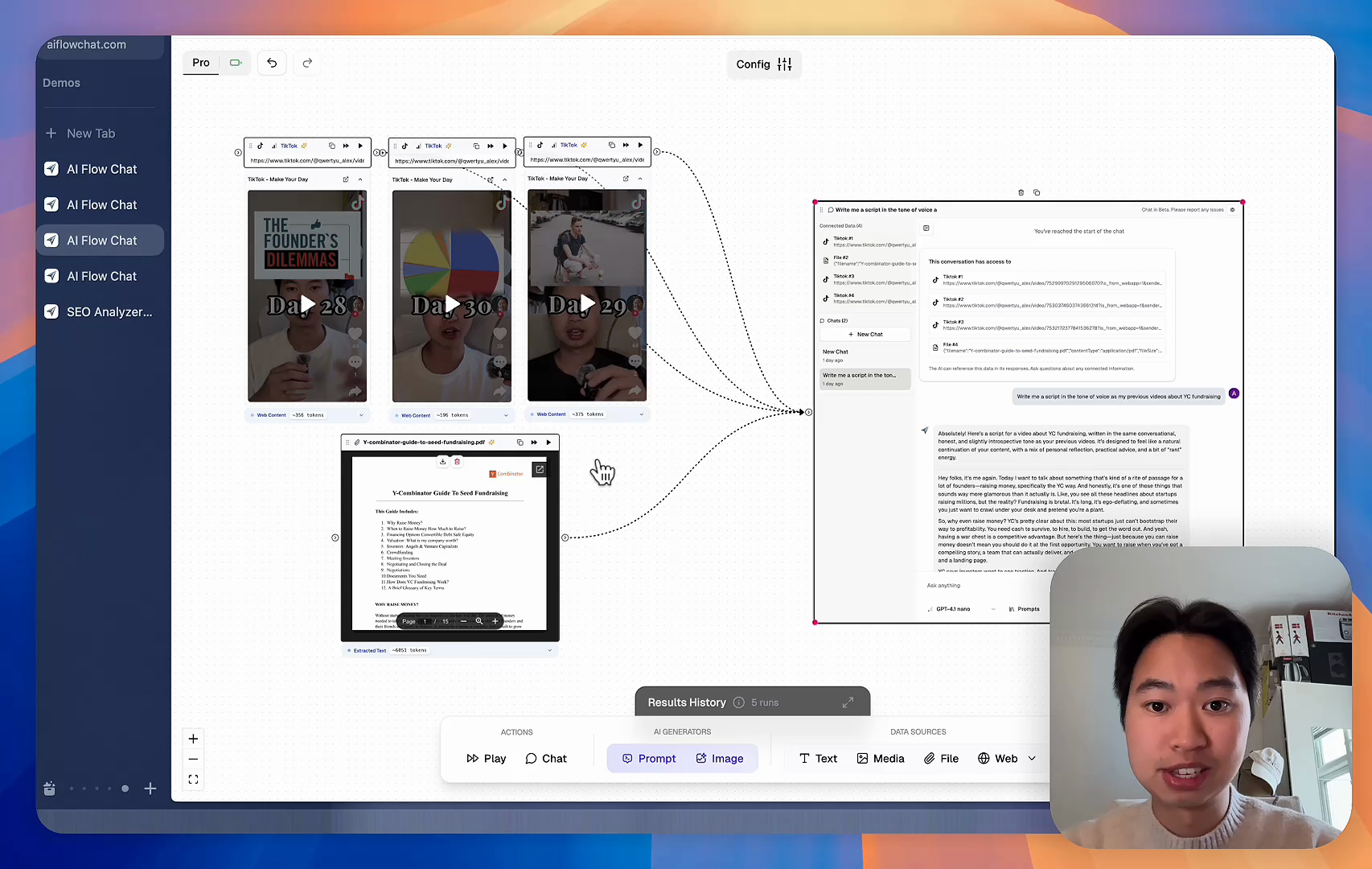
AI Flow Chat lets you save winning prompts to a reusable library, test all models in one workspace, and convert great chats into automated workflows that scale.


Teach World Class AI About Your Business, Content, Competitors… Get World Class Answers, Content, Suggestions...
AI Flow Chat powers our entire content strategy. We double down on what’s working, extract viral elements, and create stuff fast.
Video thumbnail

Reference Anything

Bring anything into context of AI and build content in seconds

YouTube

PDF

DOCX

TikTok

Web

Reels

Video Files

Twitter Videos

Facebook/Meta Ads

Tweets

Coming Soon

Audio Files

Coming Soon

Choose a plan to match your needs

Upgrade or cancel subscriptions anytime. All prices are in USD.

Basic

For normal daily use. Ideal for getting into AI automation and ideation.

$30/month
  • See what Basic gets you
  • 11,000 credits per month
  • Access to all AI models
  • 5 app schedules
  • Free optional onboarding call
  • 1,000 extra credits for $6
Get Started

No risk, cancel anytime.

ProRecommended

For power users with high-volume needs.

$100/month
  • See what Pro gets you
  • 33,000 credits per month
  • Access to all AI models
  • 10 app schedules
  • Remove AI Flow Chat branding from embedded apps
  • Free optional onboarding call
  • 2,000 extra credits for $6
Get Started

No risk, cancel anytime.

Frequently Asked Questions

Everything you need to know about AI Flow Chat. Still have questions? Contact us.