More Prompts:

Best prompts for LIM for summarization using legal documents

A curated set of 12 copy-ready prompts for Legal Information Management (LIM) tasks focused on summarizing legal documents. Each prompt includes a clear title, concise explanation, a practical example, and recommended high-performing AI models.


Claude Sonnet 4
GPT-5
Claude Opus 4
Gemini 2.5 Flash
Gemini 2.5 Pro
You know that sinking feeling when you're staring at a 50-page contract at 9 PM, knowing you need a summary by tomorrow morning? Or when your AI assistant gives you generic responses that miss the nuanced legal analysis your clients actually need? You're not alone in feeling frustrated by AI tools that promise the world but deliver cookie-cutter results that require more editing than writing from scratch.
These 12 battle-tested prompts transform your AI into a specialized legal assistant that actually understands what lawyers need. From IRAC briefs and contract risk analysis to executive litigation memos and compliance checklists, each prompt delivers precise, professionally formatted outputs you can use immediately. Instead of wrestling with generic AI responses, you'll get structured legal analysis that saves hours of work and impresses clients with its clarity and depth.
1
Executive summary of a court opinion
Input: paste the full court opinion or case excerpt between <<TEXT>>. Task: Provide a 200–300 word executive summary including: (1) case caption and citation up top; (2) procedural posture and disposition (who won/loses); (3) the court's holding in one sentence; (4) the key legal reasoning and three most important factual points; (5) implications for clients; (6) one recommended next step. Use plain professional language and bold the holding line. Output as labeled sections.
Produce a concise executive summary of a judicial opinion: outcome, holding, key reasoning, and practical implications. Include citation and a one-sentence recommended action for a client.
2
IRAC-style brief summary (Issue/Rule/Application/Conclusion)
Paste the document or excerpt between <<TEXT>>. Task: Produce a 150–250 word IRAC summary. Label each section: Issue (one sentence), Rule (cite controlling statute or precedent if present), Application (3–5 concise bullet points applying the rule to the facts), Conclusion (one sentence stating likely outcome). If the document cites cases or statutes, list citations inline. Keep language precise and neutral.
Produce a short IRAC analysis from a legal document or excerpt. Ideal when you need the legal issue isolated and application summarized for litigation or internal review.
3
Contract clause summary with risk and redlines
Paste the clause(s) between <<CLAUSE>>. Task: (1) Provide a one-paragraph plain-language summary; (2) List up to five specific risks introduced by the clause, each with severity: High / Medium / Low; (3) Propose exact redline language or replacement text (show replaced text and proposed text); (4) Give a short justification for each redline. Keep suggestions practical for negotiation.
Summarize a given contract clause, identify specific legal/commercial risks, assign severity levels, and propose precise redlines or replacement language.
4
Obligations and deadlines checklist from contract
Paste the full contract or relevant sections between <<CONTRACT>>. Task: Extract every discrete obligation into a checklist table (obligation description, due date or timing trigger, responsible party, required deliverable/form, enforcement/performance consequence). Where dates are relative (e.g., "within 30 days"), calculate actual dates if a contract date is provided; otherwise leave relative. Output as bullet points grouped by responsible party.
Extract all actionable obligations and deadlines, assign responsible party, and specify required form of performance. Useful for contract management and compliance.
5
Litigation timeline extraction
Paste multiple litigation documents or excerpts between <<DOCS>>. Task: Extract every date-stamped event (filings, service, hearings, orders, depositions) and output a chronological timeline. For each entry include: date, short event title, source document citation (document name and page/paragraph), and one-line significance (why it matters). Limit to 30 most relevant events; flag any missing standard events (e.g., no proof of service).
Create a chronological timeline of key litigation events extracted from multiple filings, with source citation and a one-line significance note for each event.
6
Statute or regulation comparison
Provide two texts separated by markers: <<OLD>> and <<NEW>> (or <<STATUTE A>> and <<STATUTE B>>). Task: (1) Produce a concise paragraph summarizing the substantive differences; (2) List the exact textual differences as side-by-side snippets; (3) Explain compliance impact in 3 bullet points; (4) Recommend immediate actions to address changes (2–4 items).
Compare two statutes or regulatory provisions (e.g., current vs. prior version), highlight textual differences, explain legal impact, and identify compliance actions.
7
Regulatory compliance checklist with controls
Paste regulatory text or cite the section between <<REG>>. Task: Produce a compliance checklist mapping each regulatory requirement to: control type (technical/process/policy), recommended control (concrete example), priority (Critical/High/Medium/Low), and estimated time/cost band (Quick: <1 month, Moderate: 1–3 months, Significant: >3 months). Keep answers actionable and specific.
From a regulatory provision, produce a prioritized compliance checklist with recommended technical and process controls and estimated implementation complexity.
AI Flow Chat

Stop Losing Your AI Work

Tired of rewriting the same prompts, juggling ChatGPT and Claude in multiple tabs, and watching your best AI conversations disappear forever?

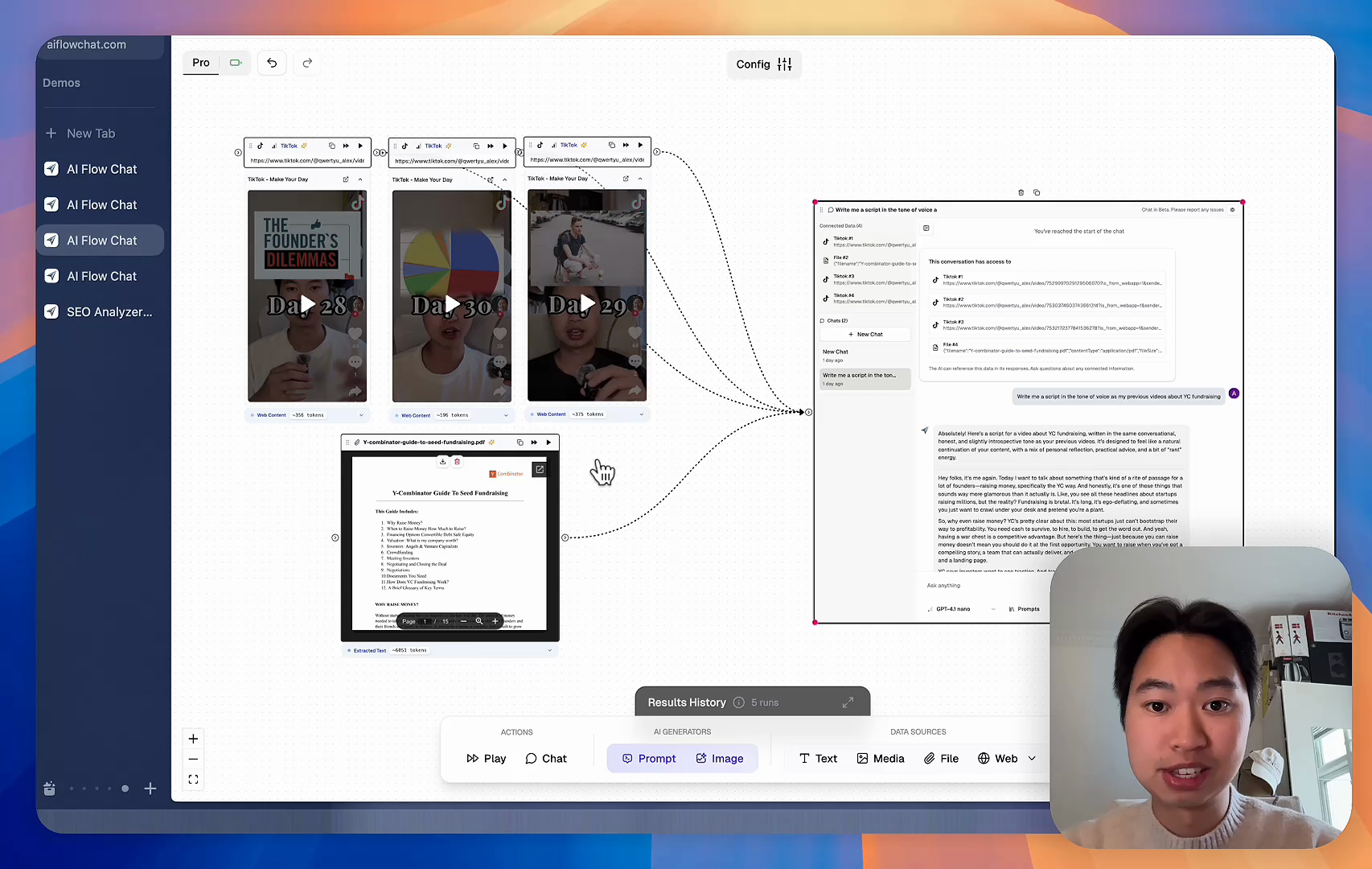
AI Flow Chat lets you save winning prompts to a reusable library, test all models in one workspace, and convert great chats into automated workflows that scale.


Teach World Class AI About Your Business, Content, Competitors… Get World Class Answers, Content, Suggestions...
AI Flow Chat powers our entire content strategy. We double down on what’s working, extract viral elements, and create stuff fast.
Video thumbnail

Reference Anything

Bring anything into context of AI and build content in seconds

YouTube

PDF

DOCX

TikTok

Web

Reels

Video Files

Twitter Videos

Facebook/Meta Ads

Tweets

Coming Soon

Audio Files

Coming Soon

Choose a plan to match your needs

Upgrade or cancel subscriptions anytime. All prices are in USD.

Basic

For normal daily use. Ideal for getting into AI automation and ideation.

$30/month
  • See what Basic gets you
  • 11,000 credits per month
  • Access to all AI models
  • 5 app schedules
  • Free optional onboarding call
  • 1,000 extra credits for $6
Get Started

No risk, cancel anytime.

ProRecommended

For power users with high-volume needs.

$100/month
  • See what Pro gets you
  • 33,000 credits per month
  • Access to all AI models
  • 10 app schedules
  • Remove AI Flow Chat branding from embedded apps
  • Free optional onboarding call
  • 2,000 extra credits for $6
Get Started

No risk, cancel anytime.

Frequently Asked Questions

Everything you need to know about AI Flow Chat. Still have questions? Contact us.