Contents
0%Canceling your subscription is quick and easy. You can cancel anytime with just a few clicks, and there are no questions asked. If you cancel during your trial period, you won't be charged at all.
Step-by-Step Guide
1. Sign In to Your Account
If you haven't already, sign in to your AI Flow Chat account at aiflowchat.com.
2. Open the Subscription Menu
Look at the top banner of the page. You'll see a button that displays your current subscription plan name (e.g., "Trial", "Basic", or "Pro").
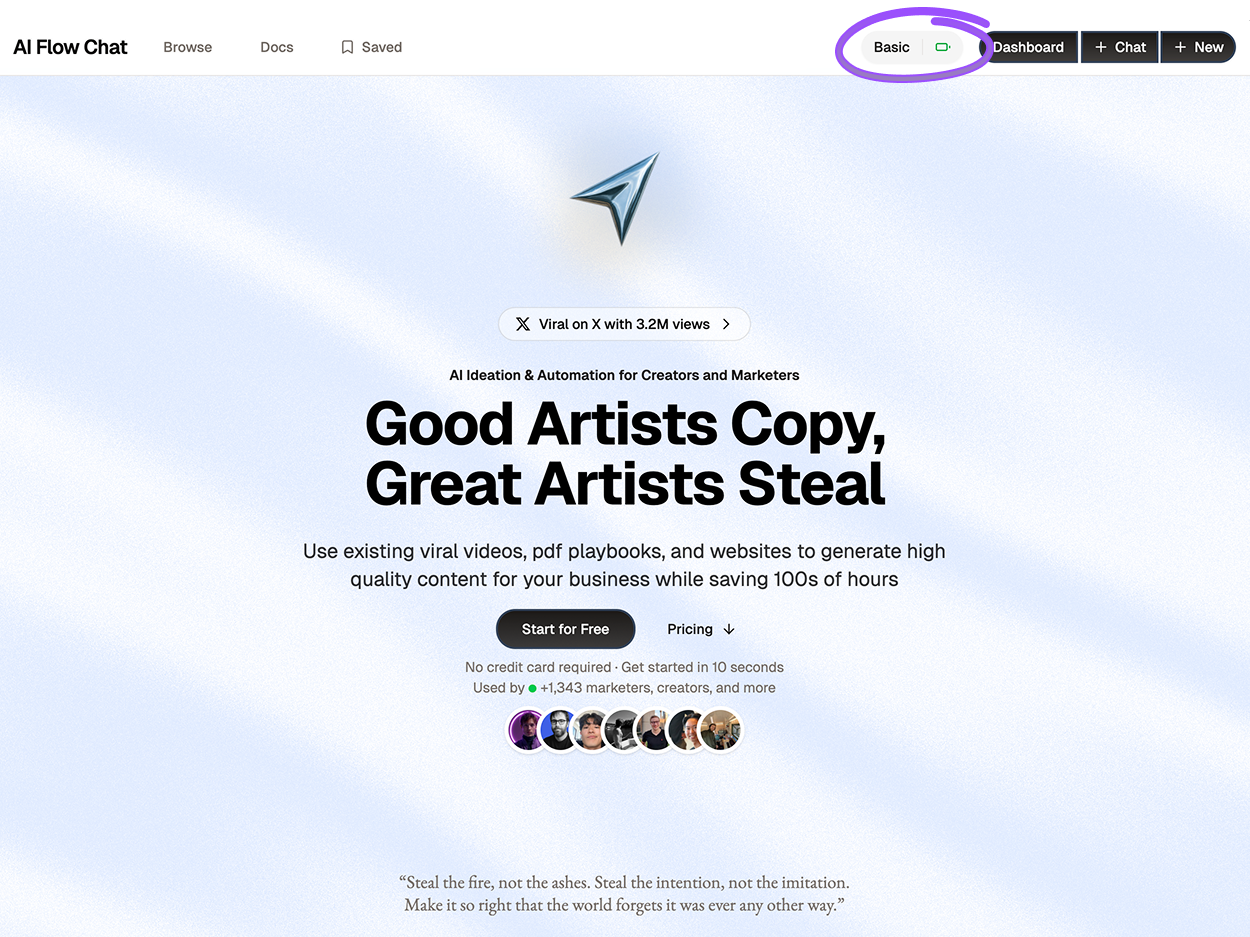
Subscription button in top banner
Click on your subscription button to open the subscription modal.
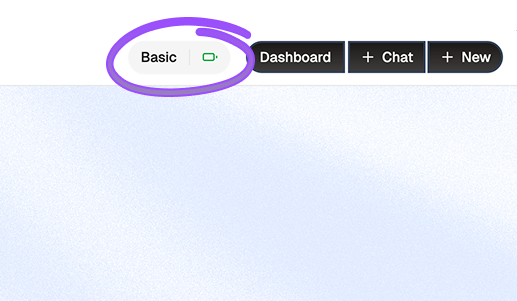
Subscription button zoomed in
3. View Your Current Plan
When the modal opens, you'll see all available subscription plans. Your current plan will be highlighted, making it easy to identify.
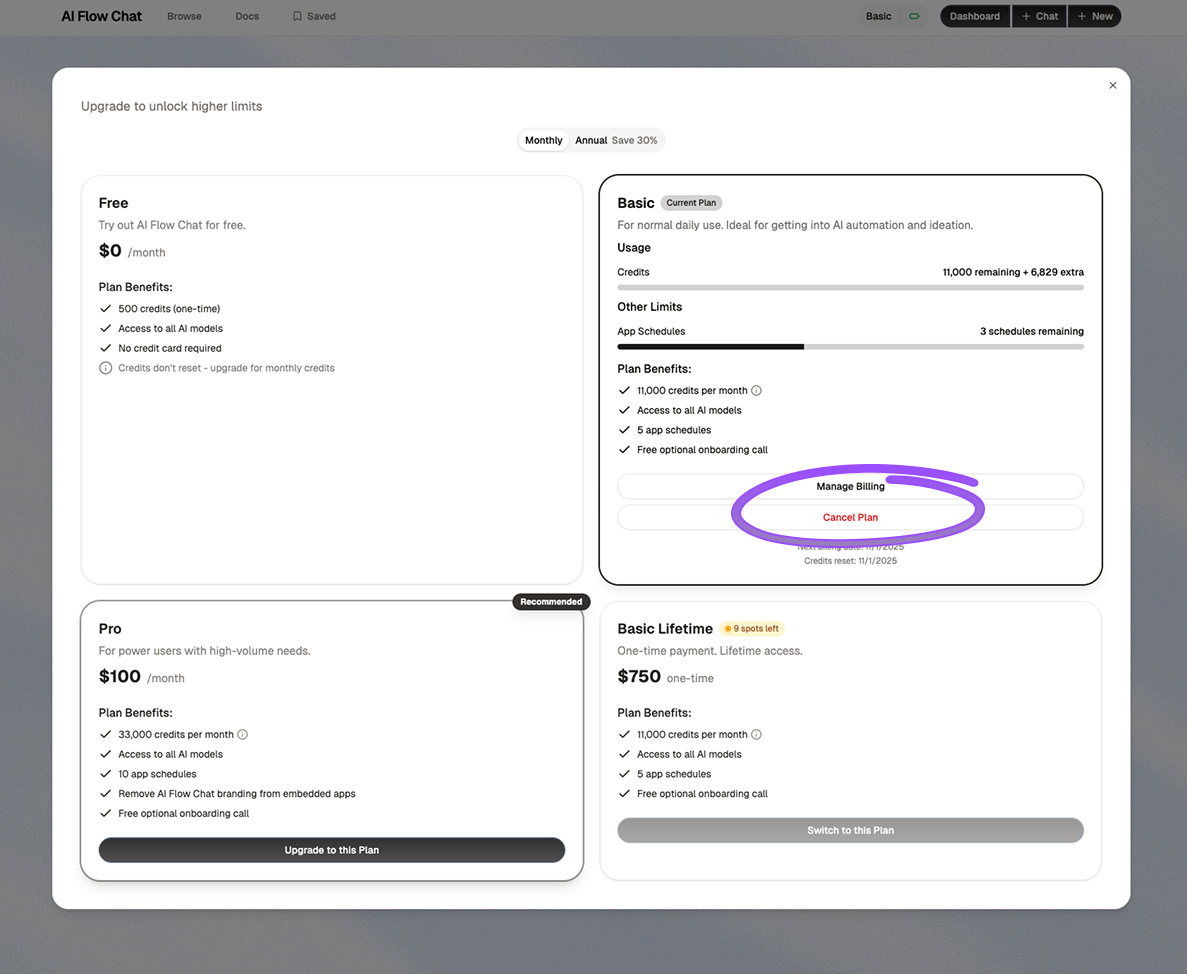
Subscription modal with current plan highlighted
4. Click "Cancel Plan"
In your highlighted current plan card, you'll find a red "Cancel Plan" button at the bottom.
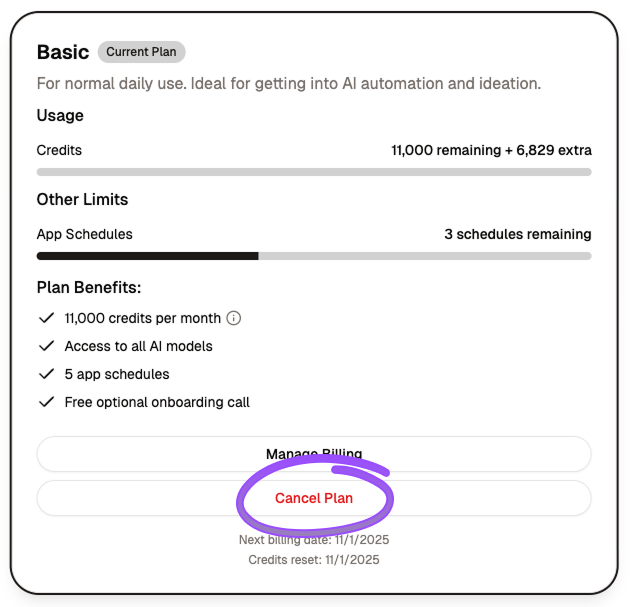
Red cancel plan button
Click the "Cancel Plan" button to proceed.
5. Confirm Cancellation
You'll be redirected to a Stripe cancellation page where you can review the details of your cancellation.
Simply confirm your cancellation on this page, and your subscription will be immediately canceled. All future billing will stop automatically.
What Happens After Cancellation?
- Immediate Effect: Your subscription is canceled right away
- No Future Charges: You will not be billed again
- Current Credits: You keep your current credits - they just won't renew
- During Trial: If you cancel during your trial period, you won't be charged at all
- Access: You'll maintain access to your flows and data
Continue Reading
Discover more insights and updates from our use-cases
Plan, brief, draft, and optimize SEO content end-to-end using reusable AI workflows
Build interactive lead funnels, audits, and outreach tools as reusable AI apps that capture and qualify leads automatically
Create engaging video scripts for YouTube, TikTok, and social media using AI whiteboarding