5 Best Notion Content Calendar Template Picks for 2026
At AI Flow Chat
Contents
0%A solid Notion content calendar template saves you from the chaos of scattered drafts, missed publish dates, and the "what do I even post today?" spiral. But picking the right one matters, a bad template adds friction instead of removing it, and you end up abandoning it within a week.
We put together this list of five top Notion content calendar templates for 2026 that actually hold up for creators and marketers producing across multiple platforms. Each one is free or affordable, easy to customize, and built for real editorial workflows, not just a pretty demo.
At AI Flow Chat, we work closely with Notion every day. Our platform's deep Notion integration lets you pull pages directly into AI workflows, turning your content calendar plans into finished drafts, social posts, and scripts. So we know what makes a content calendar template worth using, and what falls apart under real production volume. Here are our picks.
1. AI Flow Chat Notion-connected content calendar system
Most Notion content calendar templates stop at organization. They help you track what needs to go out, but they do not help you actually produce the content. AI Flow Chat bridges that gap by connecting directly to your Notion workspace and turning your calendar entries into real content outputs.
What it is and how it fits a Notion calendar
AI Flow Chat is a visual AI workflow platform that integrates natively with Notion. You pull a Notion page directly into the canvas, whether that is a content calendar row, a brief, or a raw idea dump, and the platform uses it as a reference source for AI generation. Your existing Notion structure stays intact; you are not migrating to a new tool or rebuilding your system from scratch.
When your content calendar doubles as an active production hub, you stop switching between planning and writing tools entirely.
Best for
This setup works best for creators and marketers who already use Notion as their home base and want to scale output without manually copying briefs into a separate AI tool every time. It is especially useful for solo operators and small teams running multiple content channels at once.
How the workflow stays consistent across channels
You build a repeatable AI flowchart inside AI Flow Chat that references your Notion calendar page. Every time a new entry appears, you run the same sequence to generate the post, script, or article. Scheduled tasks let you automate this further so content generation kicks off on its own. Multi-model access to OpenAI, Anthropic, and Gemini means you pick the right model for each content type without leaving your workspace.
Pricing
AI Flow Chat starts at $29 per month with a flexible, credit-based model and no annual commitment required.
2. Basic content calendar template by Notion
Notion's own basic content calendar template is the starting point most people reach for first. It covers the core structure you need to track content across multiple platforms without overwhelming you with unnecessary complexity.
What you get out of the box
The template gives you a database-driven calendar with built-in properties for title, publish date, channel, status, and content type. You can duplicate it to your workspace in one click and start adding entries right away. No setup is required beyond filling in your own content details.
Best for
This template works best for individuals or small teams who are new to Notion and want a clean, low-friction way to manage a publishing schedule without a steep learning curve.
If you are just starting out, this notion content calendar template gives you exactly what you need without excess complexity getting in the way.
Views, properties, and publishing workflow
You get multiple views including a board, calendar, and table layout, so you can switch between planning modes depending on your workflow. The status property moves entries through draft, in-review, and published stages in one place.
Pricing
The template is completely free and available directly from Notion's template gallery.
3. Notion editorial calendar 2026 template
The Notion editorial calendar 2026 template takes the basic content calendar concept and pushes it further, adding structure that supports longer-form content planning cycles rather than just daily post tracking.
What you get out of the box
This notion content calendar template comes pre-built with properties for topic, author, target keyword, publish date, content stage, and distribution channel. You also get a dedicated editorial view that groups content by month, making it easy to spot gaps in your publishing schedule at a glance.
Best for
Writers, SEO-focused bloggers, and editorial teams managing multiple contributors benefit most from this template. It handles the complexity of longer production timelines without requiring you to build your own database from scratch.
If you produce articles or long-form content on a recurring schedule, this template saves you significant setup time.
How it handles editorial planning and deadlines
The template uses linked databases to separate drafts from published pieces, giving you a clean pipeline from idea to live post. Deadline properties with conditional formatting flag overdue items so nothing slips through unnoticed.
Pricing
This template is available free of charge from the Notion template gallery.
4. Social media calendar 2026 template with Notion AI
The Social media calendar 2026 template takes a standard notion content calendar template and layers in Notion AI assistance directly inside the database, making it practical for teams producing content across multiple social platforms at the same time.
What you get out of the box
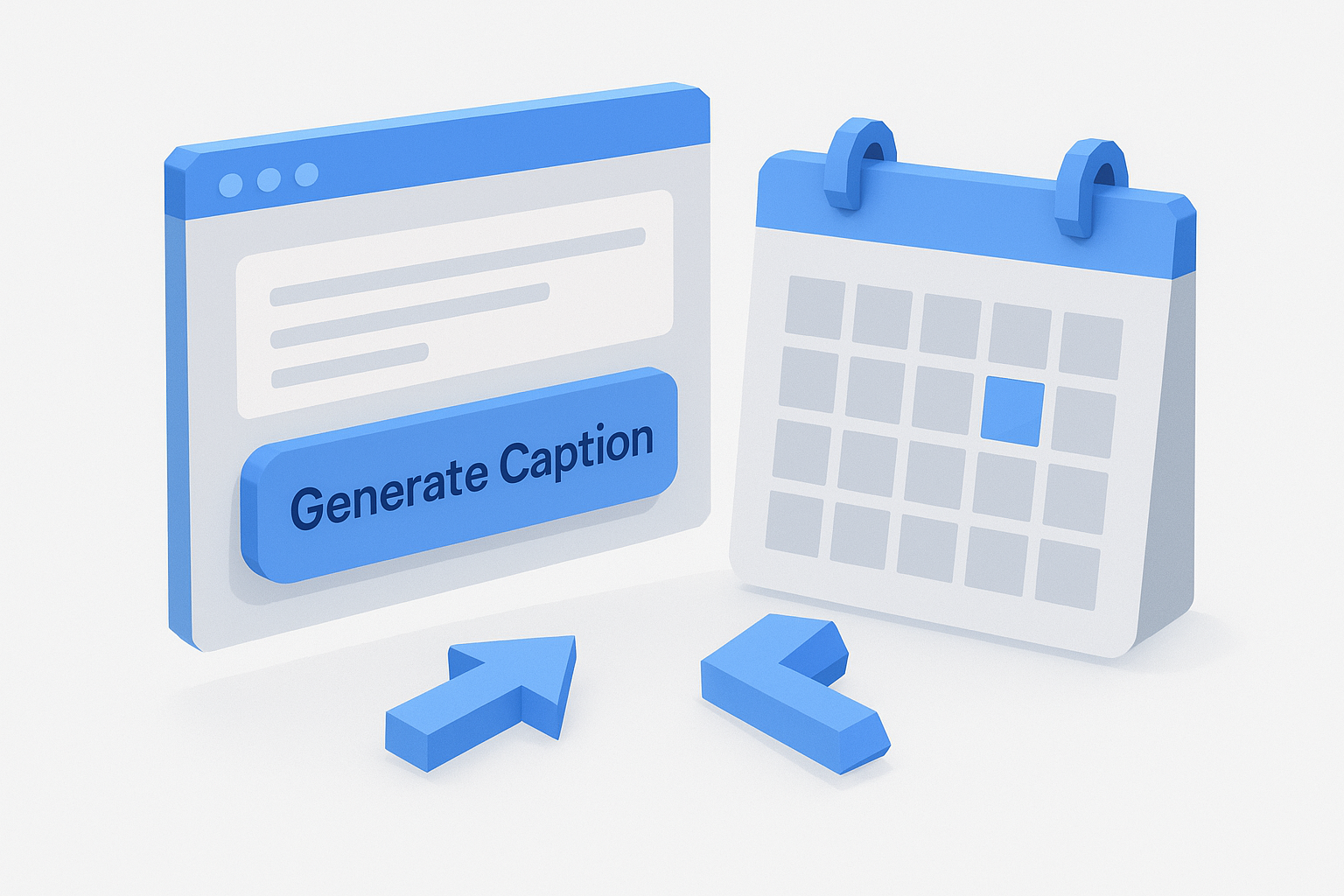
This template includes properties for platform, post type, caption draft, publish date, and status alongside a built-in calendar view. Notion AI buttons are wired into the database so you can generate caption drafts or content ideas without leaving the page.
Best for
You get the most out of this setup if you are a social media manager or creator handling multiple platforms at once. It keeps planning and writing inside one workspace so you stop switching tools mid-workflow.
If you manage more than two platforms, having AI assistance built directly into your calendar removes a significant daily bottleneck.
How it supports drafting and repurposing posts
The AI-assisted properties let you generate a new caption draft based on a topic field you fill in. You can also use the same field to repurpose a long-form piece into shorter platform-specific posts by adjusting the prompt attached to the button.
Pricing
This template is free to use but requires an active Notion AI subscription, which starts at $10 per member per month.
5. Simple social media content planner template from the Notion community
The Notion community has produced dozens of content planning templates, and this simple social media content planner stands out for stripping away everything you do not need.
What you get out of the box
This notion content calendar template gives you a straightforward database with fields for platform, post idea, publish date, format, and status. The design is intentionally minimal, so you spend your time filling in content rather than configuring properties.
Best for
Solo creators and small business owners who post on one or two platforms benefit most here. You get a clean, no-overhead planning system without features pulling your attention away from actually creating.
A simpler template you use consistently beats a complex one you abandon after two weeks.
How it keeps posting simple and repeatable
The single-database structure makes it easy to build a weekly posting habit. You filter by platform, check what is due, and move status from draft to published. Recurring entries are easy to duplicate so your regular content types stay consistent without extra setup each time.
Pricing
This template is completely free and available through the Notion template gallery.

Next steps
Every notion content calendar template on this list solves a real part of the content production problem. Notion's own basic template handles scheduling. The editorial calendar keeps long-form work on track. The social media options add platform-specific structure and AI-assisted drafting. Each one gives you a solid foundation, but none of them close the gap between planning and finished content on their own.
That is where AI Flow Chat changes the picture. You connect your Notion workspace directly to a visual AI canvas, pull your calendar entries in as reference material, and generate real content outputs from the plans you already built. No copy-pasting briefs, no switching between five tools, and no starting from scratch each time you sit down to create.
If you want to turn your content calendar into an actual production system, try AI Flow Chat and see how fast your Notion workflow can move.
Continue Reading
Discover more insights and updates from our articles
Choose an AI model for scripts, marketing copy, coding, research, long documents, and quick everyday work using a practical quality, speed, and credit-cost framework.
Compare eight current Poppy AI alternatives for visual research, creator workflows, general AI work, grounded synthesis, automation, and reusable delivery.
A practical method for turning a scattered content process into a clear AI-assisted flowchart with source context, review checks, and a reusable output.