Google Mixboard: What It Does and When a Visual AI Workflow Fits Better
At AI Flow Chat
Topics covered:
Contents
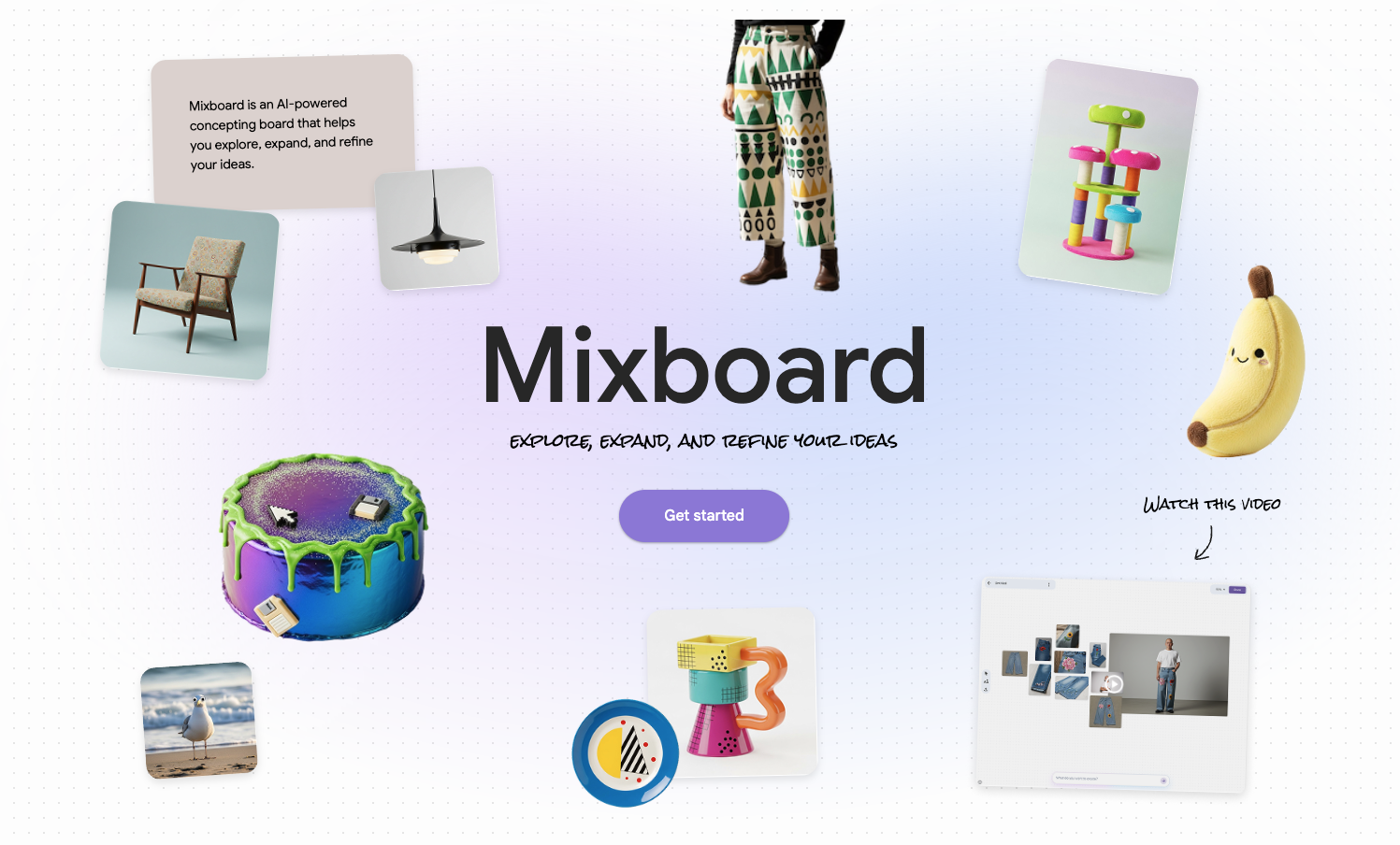
0%Google Mixboard is an experimental, AI-powered concepting board from Google Labs. It gives you an open canvas for exploring ideas with images and text. Google currently describes it as a place to explore, expand, and refine ideas—not as a general-purpose workflow automation tool. You can open the current Mixboard product or find it in the Google Labs experiment directory.
That distinction matters for creators. Mixboard can be a good fit when the main job is to discover a visual direction. A visual AI workflow becomes more useful when the job continues into source analysis, a defined sequence of AI-assisted steps, review points, and a process you intend to run again.
This is not a question of which canvas is universally better. It is a question of what must remain after the brainstorming session: a selected visual direction, or a reusable process.
What Google Mixboard does
Google's original Mixboard announcement describes an open concepting canvas where you can start from a prompt or a pre-populated board, bring your own images, generate visuals, edit with natural-language instructions, create variations, and generate text from the images on a board.
The product has changed since that launch. In a later official Mixboard feature update, Google added PDF uploads, direct doodling on images to guide edits, multiple boards within a project, and presentation generation based on a board. Any comparison that calls Mixboard a U.S.-only tool that only produces static boards is therefore out of date.
The core job is still visual concept development. Typical uses named by Google include home decor, product design, event planning, DIY projects, and storyboarding. For a content creator, the same pattern can apply to campaign art direction, set design, thumbnail concepts, a visual identity, or the look and feel of a content series.
The visual sequence Mixboard is designed to support
A useful Mixboard session can be understood as a simple three-part sequence:
References and prompt → moodboard exploration → selected visual direction
1. References and prompt
Begin with the material that defines the visual problem: uploaded images, a PDF, or a written description of the desired direction. The prompt should name the audience, medium, constraints, and qualities you want to explore. For example, a creator planning a video series might specify a compact studio set, warm practical lighting, strong separation between subject and background, and enough negative space for on-screen text.
2. Moodboard exploration
Generate and arrange alternatives. Use the canvas to compare compositions, colors, textures, or objects in context. The goal at this point is divergence: seeing several plausible directions before becoming attached to one. Natural-language and doodle-guided edits can help refine a promising option without restarting the whole board.
3. Selected visual direction
Choose the elements that will guide the next piece of work. That could be a palette, a set of reference frames, a presentation, or a single approved direction. Write down why it was selected and what must remain consistent. The board is most valuable when someone can use the chosen direction to make the next decision.
When a moodboard is sufficient
Stay with a concept board when most of these statements are true:
- The outcome is primarily visual.
- You need alternatives more than a fixed sequence of steps.
- A person will interpret the board and carry the direction into production.
- The source set is small enough to assess directly on the canvas.
- You do not expect the same transformation to run repeatedly on new material.
- The useful deliverable is a board, selected assets, or a presentation.
For example, selecting the visual direction for one campaign does not automatically require a workflow. A board that makes the options legible and helps collaborators agree on a direction may fully solve the job.
When a moodboard stops being enough
A concept board becomes only one stage of the process when the work has dependencies that should be explicit. Watch for four signals.
Multiple source types must inform the result
Suppose a creator has interview notes, reference articles, previous scripts, audience comments, and visual examples. A moodboard can hold some of that context, but it does not by itself define how each source should influence the final brief or draft. The process needs rules such as “extract recurring audience questions,” “separate evidence from creative references,” and “map each claim back to a source.”
The AI work has distinct steps
Research synthesis, angle selection, outlining, drafting, and review are different jobs. Combining them in one broad instruction makes it harder to see where weak output entered the process. A prompt chain makes the handoffs explicit so each stage can be inspected and revised.
Review checkpoints matter
If a creator or editor must approve the evidence, angle, or final wording, put those decisions between stages. A review checkpoint is a process choice, not a promise that AI output is correct. It prevents an unapproved assumption from silently flowing into every later asset.
The structure should be reused
If the same content process will run for the next episode, client, or campaign, preserve the sequence rather than reconstructing it from chat history. Reuse is especially valuable when the inputs change but the quality criteria and handoffs remain stable.
Mixboard and AI Flow Chat solve different parts of the job
The fairest comparison is between their publicly described purposes, not a feature-count contest.
| Decision dimension | Google Mixboard | AI Flow Chat |
|---|---|---|
| Primary object | An AI-powered concepting board | A visual workspace for AI-assisted workflows |
| Best-fit job | Explore and refine a visual direction | Arrange source context and AI steps into an executable sequence |
| Publicly described inputs | Prompts, images, and PDFs | Videos, articles, images, text, and workflow nodes |
| Process shape | Open-ended visual exploration across boards | Connected steps that pass work through a visual flowchart |
| Useful endpoint | A selected direction, board, or presentation | A reviewed output and a workflow structure that can be run again |
AI Flow Chat's public AI whiteboard page shows the source-context side of the product: creators can work visually with videos, articles, and images. Its AI flowchart page shows the process side: connected nodes pass data through multiple AI steps and can be executed as a flow. Those capabilities do not make Mixboard obsolete; they address a different job after, or alongside, visual exploration.
There is also no requirement to choose only one. A creator can use Mixboard to establish the look of a campaign, then carry the approved direction and supporting research into a structured workflow for the repeatable content stages.
A repeatable creator workflow after visual ideation
Consider a creator producing a monthly research-led video. The process could look like this:
- Organize the evidence. Collect the approved articles, notes, audience questions, and relevant visual references. Label each item by its role: factual source, audience signal, style reference, or constraint.
- Define the steps. Create separate stages for extracting claims, clustering audience questions, proposing angles, building an outline, and drafting. Each stage should have one clear input and output.
- Add human review. Check the evidence summary before angle generation. Approve the angle before drafting. Review the draft against its sources before it becomes a script.
- Preserve the handoffs. Use a consistent output format between steps so the next stage receives the needed context without inheriting unrelated notes.
- Run the structure with new inputs. For the next video, replace the source material while keeping the sequence and review criteria. Update the workflow when the process changes; do not treat the first version as permanent.
The goal is not to remove creative judgment. It is to make the repeatable parts visible so judgment can happen at the right moments. For a deeper implementation walkthrough, see how to create AI flowcharts for workflow automation.
Availability, language, and changing limits
Do not rely on launch-era availability claims. Google later announced that Mixboard had expanded to more than 180 additional countries. The current Google Labs availability page provides the source of truth: it lists the supported countries and territories for users aged 18 or older, identifies English as the supported language, and notes that feature availability can differ by country.
Google's public pages cited here do not publish a standalone Mixboard price. The December 2025 feature update also says generation limits may fluctuate with server load and network traffic. Because Mixboard remains a Labs experiment, verify current access, limits, and any account-specific terms in the live product instead of treating an old “free beta” description as permanent.
Choose the workspace that matches the next decision
Use this checklist before adding another tool to the process:
- Choose a moodboard or concept board when you need to see and compare visual possibilities, then select a direction.
- Choose a linear AI chat when the task is short, the context is manageable, and the output does not need a reusable sequence or formal review stages.
- Choose a visual AI workflow workspace when multiple sources feed distinct AI-assisted steps, handoffs need to be visible, review must happen between stages, or the same structure will be used again.
- Use a combination when visual exploration establishes the direction and a structured workflow turns that direction into repeatable research, planning, or content work.
The practical dividing line is simple: if the board itself resolves the decision, keep the process light. If the board becomes one input to a longer, repeatable system, map the system.
Sign up for AI Flow Chat to structure an AI-assisted workflow in a visual workspace.
Continue Reading
Discover more insights and updates from our articles
Choose an AI model for scripts, marketing copy, coding, research, long documents, and quick everyday work using a practical quality, speed, and credit-cost framework.
Compare eight current Poppy AI alternatives for visual research, creator workflows, general AI work, grounded synthesis, automation, and reusable delivery.
A practical method for turning a scattered content process into a clear AI-assisted flowchart with source context, review checks, and a reusable output.