More Prompts:

Best prompts for Suno AI using real-time translation

12 copy-ready prompts to generate multilingual, timing-aware, and production-ready audio content for Suno AI workflows. Each prompt yields translated text, phonetic/IPA guidance, timing or tempo, and Suno-ready metadata for real-time translation and synthesis.


Claude Opus 4
Claude Sonnet 4
GPT-5
Gemini 2.5 Flash
Gemini 2.5 Pro
You've probably been there: you're trying to create multilingual audio content with Suno AI, but the translations sound robotic, the timing is completely off, and you're spending hours tweaking prompts that still don't work properly. It's frustrating when you know the technology should make this easier, yet you're stuck manually adjusting every single detail just to get something that sounds remotely natural.
These 12 battle-tested prompts transform that chaotic process into a streamlined workflow that handles everything from live speech translation to emergency announcements with perfect timing and natural pronunciation. Whether you need bilingual karaoke tracks, rap verse translations that preserve meter, or real-time conference feeds, each prompt delivers production-ready results with phonetic guidance, tempo markers, and Suno-formatted metadata. Stop wrestling with broken translations and start generating professional multilingual audio content that actually sounds human.
1
Live speech → sung translation (single voice, tempo)
You are a real-time translation assistant preparing sung audio for Suno AI. Input: {source_text} in {source_language}. Target: {target_language}. Output these sections exactly: 1) "Translated Lyric" — natural sung lyric preserving meaning and line breaks. 2) "Syllable Map" — each syllable on a separate line. 3) "BPM" — integer tempo. 4) "Melody" — a sequence of note names (C4, D4...) with durations aligned to syllable order. 5) "Suno Block" — a short code block containing: voice:{voice_name}, style:{style}, language:{target_language}, content:"{translated_lyric}" plus an annotation linking syllables to notes. Keep language idiomatic and avoid literal word-for-word renderings.
Translate live spoken source text into a singable target-language lyric, keep syllable counts close, supply tempo (BPM), melody notes for each syllable, and an export block formatted for Suno text-to-melody input.
2
Bilingual karaoke track with timestamped lines
Translate the following transcript {source_text} from {source_language} into {target_language} for a karaoke-style track. For each line, output: 1) line index, 2) source_line, 3) translated_line, 4) start_ms, end_ms (estimate for a natural read), 5) preferred voice tag for Suno. Keep translations concise so they fit typical 3–6 second karaoke display windows.
Produce line-by-line translation with millisecond timestamps for real-time subtitle display and synchronized Suno audio generation.
3
Phonetic romanization + IPA for non-Latin targets
Given {source_text} in {source_language}, produce: 1) Natural translation in {target_language}. 2) Romanized phonetic reading suitable for English speakers. 3) IPA transcription. 4) Syllable stress markers. Format as: Translation | Romanization | IPA | Stress. Keep entries per phrase or sentence.
Generate target-language text, romanized phonetics and IPA for accurate Suno TTS pronunciation in noisy live scenarios.
4
Real-time podcast intro translation with speaker cues
Translate this podcast intro {source_text} from {source_language} to {target_language} for a 20–25 second audio intro. Provide: 1) "Translated Script" with speaker labels (HOST, CO-HOST). 2) "Voice Direction" (e.g., warm, brisk). 3) "Pause markers" as [PAUSE_ms]. 4) "Trim notes" for reducing length if needed. Keep natural and broadcast-ready.
Create short translated intros for podcasts, include speaker labels, desired voice timbre, pause markers and suggested filler reduction to fit a target duration.
5
Emergency announcements: short multilingual repeats
Convert this emergency message {source_text} from {source_language} into the following languages: {list_of_target_languages}. For each language: 1) short translated sentence (max 10 words), 2) repeat version at 70% speed, 3) critical-word phonetic emphasis (mark with *asterisks*), 4) label: language code. Format as blocks separated by language code.
Produce concise emergency messages translated into multiple target languages with repeated slow cadence lines, phonetic emphasis for critical words, and a Suno-ready repeat structure.
6
IVR/IVT prompt translation with dialect variants
Translate the following IVR script {source_text} from {source_language} into {target_language}. Provide two variants: FORMAL and INFORMAL. For each variant include: "prompt_text", "max_duration_sec" (<=6), "phonetic_guide" (English-friendly), and "fallback": short English line for operator use. Keep vocabulary neutral and suitable for automated TTS.
Translate IVR text into target language variants (formal/informal), keep short prompts under 6 seconds, provide fallback English phonetic for operators.
7
Stage cue translation with pitch contour for actors
Translate the provided theatrical line {source_text} from {source_language} into {target_language}. For each sentence produce: 1) translated_line, 2) cue markers: [PITCH:+3] for rise, [PITCH:-2] for fall, [HOLD_ms] for sustain, 3) recommended voice intensity (soft/medium/loud) and approximate duration in seconds. Keep phrasing theatrical and natural.
Translate lines and add simple pitch contour markers (rise/fall/hold) per phrase to guide expressive TTS for live stage translation.
AI Flow Chat

Stop Losing Your AI Work

Tired of rewriting the same prompts, juggling ChatGPT and Claude in multiple tabs, and watching your best AI conversations disappear forever?

AI Flow Chat lets you save winning prompts to a reusable library, test all models in one workspace, and convert great chats into automated workflows that scale.


Teach World Class AI About Your Business, Content, Competitors… Get World Class Answers, Content, Suggestions...
AI Flow Chat powers our entire content strategy. We double down on what’s working, extract viral elements, and create stuff fast.
Video thumbnail

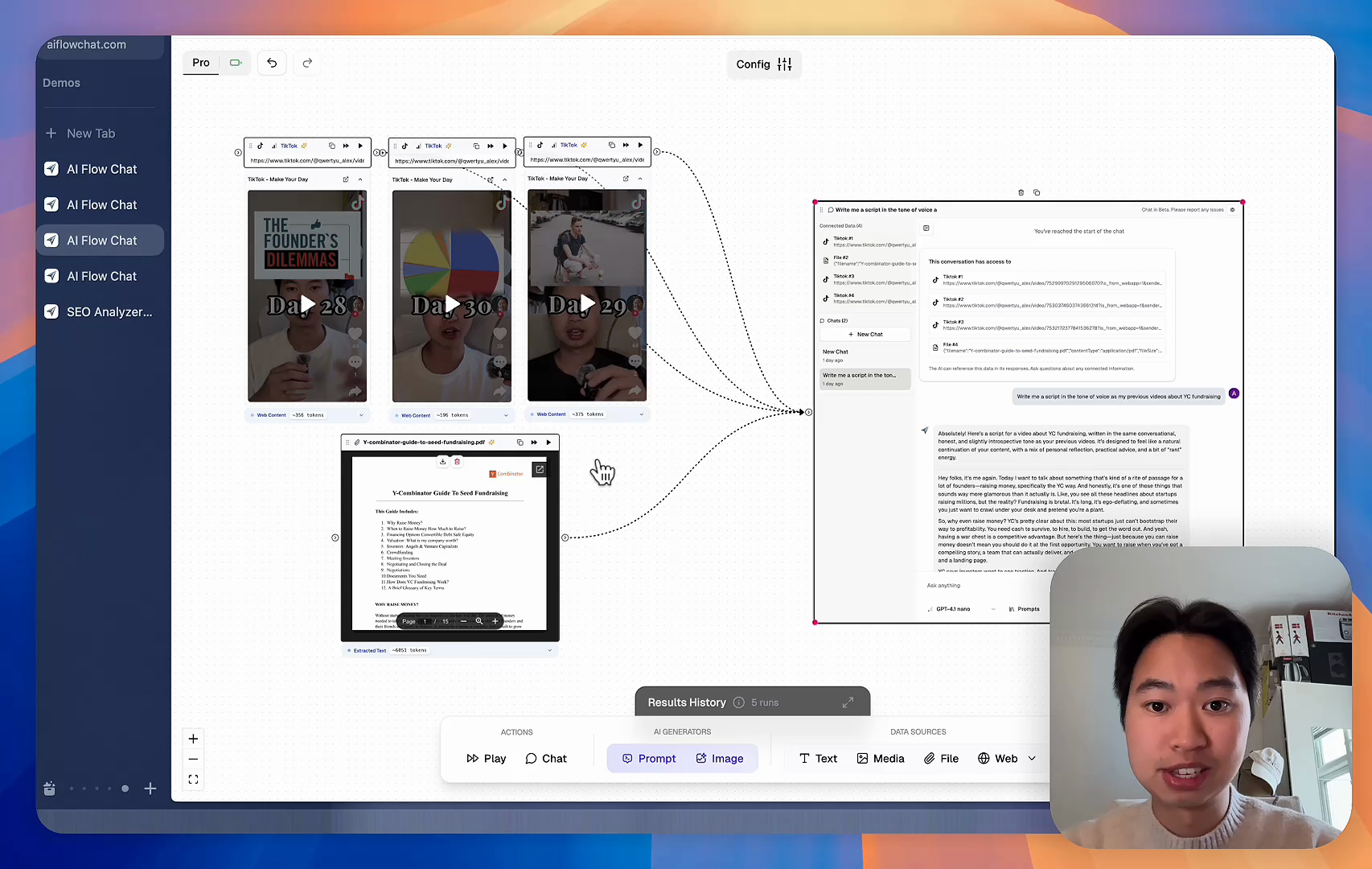
Reference Anything

Bring anything into context of AI and build content in seconds

YouTube

PDF

DOCX

TikTok

Web

Reels

Video Files

Twitter Videos

Facebook/Meta Ads

Tweets

Coming Soon

Audio Files

Coming Soon

Choose a plan to match your needs

Upgrade or cancel subscriptions anytime. All prices are in USD.

Basic

For normal daily use. Ideal for getting into AI automation and ideation.

$30/month
  • See what Basic gets you
  • 11,000 credits per month
  • Access to all AI models
  • 5 app schedules
  • Free optional onboarding call
  • 1,000 extra credits for $6
Get Started

No risk, cancel anytime.

ProRecommended

For power users with high-volume needs.

$100/month
  • See what Pro gets you
  • 33,000 credits per month
  • Access to all AI models
  • 10 app schedules
  • Remove AI Flow Chat branding from embedded apps
  • Free optional onboarding call
  • 2,000 extra credits for $6
Get Started

No risk, cancel anytime.

Frequently Asked Questions

Everything you need to know about AI Flow Chat. Still have questions? Contact us.