More Prompts:

Best prompts for ChatGPT Portrait using color theory

13 copy-ready prompts to help ChatGPT-style AIs generate portrait color palettes, lighting, makeup, wardrobe, backgrounds, and color grading recommendations using color theory. Each prompt includes a concise explanation, a ready-to-use instruction, and a realistic example output.


Claude Opus 4
Claude Sonnet 4
Gemini 2.5 Pro
GPT-5
Gemini 2.5 Flash
You've spent hours tweaking AI portrait prompts, only to get muddy colors that clash or skin tones that look completely off. You know the potential is there, but getting ChatGPT to understand color theory feels like speaking a foreign language. Every attempt leaves you frustrated, wondering why your portraits lack that professional polish you see everywhere else.
These 13 copy-ready prompts transform your AI portrait game by giving you precise color theory instructions that actually work. From five-color palettes with specific roles to cinematic color grading recipes, each prompt includes clear explanations and realistic examples you can use immediately. Stop guessing at color combinations and start creating portraits with intentional, harmonious palettes that make your subjects look their absolute best.
1
Five-color palette with color roles
Create a five-color palette for a portrait of [subject] with a [mood] mood. Label each color as Dominant, Secondary, Accent, Skin/Neutral, and Background; include hex codes, HSL values, and a one-sentence rationale that connects each color to the mood using color theory (complementary/analogous/triadic). Keep descriptions concise.
Generate a five-color palette for a portrait, labeling dominant, secondary, accent, skin/neutral, and background colors with hex codes and brief rationale based on color theory.
2
Analogous color harmony portrait setup
Provide an analogous color harmony for a portrait of [subject] (e.g., 3 adjacent hues). Specify exact hex codes for clothing, hair highlights, lips, background, and fill light temperature (Kelvin) and modifier (softbox, reflector). Explain why these analogous choices reinforce the mood in one short paragraph.
Request a portrait color scheme built on analogous colors across clothing, background, and makeup plus instructions for light temperature and modifiers.
3
Complementary color contrast for pop portraits
Design a complementary color scheme for a portrait of [subject] to maximize pop. Provide primary hex (for wardrobe/background), complementary hex (for lips/accessories), recommended contrast ratio against skin tone, and three practical retouching/grade steps to preserve the complementary impact while keeping skin natural.
Ask for a complementary color pair with usage breakdown to make features 'pop'—which elements get each color, suggested contrast ratios, and retouching tips.
4
Skin-tone-first palette harmonization
Given a subject with [skin description or hex, e.g., warm medium skin #C48A6A], recommend wardrobe, background, and light gel colors that harmonize. Provide three 'do' color choices and three 'don't' color choices with short explanations for each to avoid clashes.
Create color choices for wardrobe, background, and lighting that harmonize with a specific skin tone (give hex or descriptive skin tone). Include dos and don'ts for color clashes.
5
Cinematic color grade LUT instructions
Write a concise 3-step color grade recipe for a portrait to achieve [cinematic style, e.g., 'teal-and-orange dramatic contrast']. For each step give exact adjustments (Temperature in K, Tint, Exposure EV, Lift/Gamma/Gain numerical suggestions or %), a hex tone target for shadows/mids/highlights, and one sentence about the intended visual effect.
Produce a 3-step color grading LUT-style recipe for a portrait pipeline (camera raw > primary > creative LUT) to achieve a specific cinematic look.
6
Moodboard-style color direction with keywords
Create a 6-item moodboard for a portrait of [subject] aimed at [mood]. For each item give a hex color, one 2-word keyword (e.g., 'velvet dusk'), and a one-line application note (where/how to use it in set/wardrobe/makeup).
Provide a short moodboard-style list tying colors to visual references, keywords, and single-line application notes for a portrait session.
7
Accessories and makeup color map
Provide an accessories-and-makeup color map for a portrait: assign colors (hex) to lips, eyeshadow, blush, jewelry, and top. Give one sentence about placement and balance using the rule of thirds and 2 tips to avoid oversaturation.
Map specific accessory and makeup colors to face regions and clothing to create balanced color distribution using rule-of-thirds principles.
AI Flow Chat

Stop Losing Your AI Work

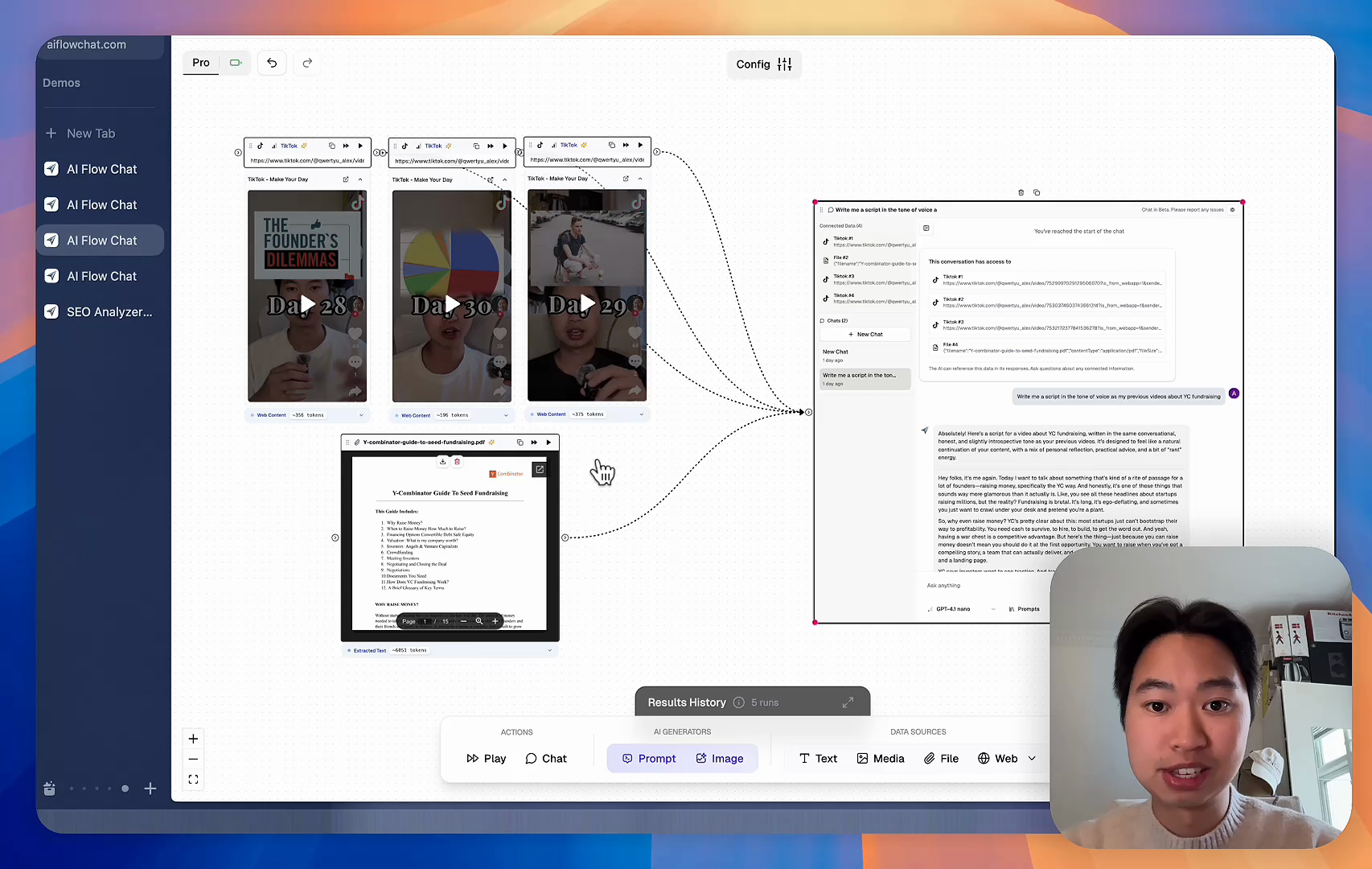
Tired of rewriting the same prompts, juggling ChatGPT and Claude in multiple tabs, and watching your best AI conversations disappear forever?

AI Flow Chat lets you save winning prompts to a reusable library, test all models in one workspace, and convert great chats into automated workflows that scale.


Teach World Class AI About Your Business, Content, Competitors… Get World Class Answers, Content, Suggestions...
AI Flow Chat powers our entire content strategy. We double down on what’s working, extract viral elements, and create stuff fast.
Video thumbnail

Reference Anything

Bring anything into context of AI and build content in seconds

YouTube

PDF

DOCX

TikTok

Web

Reels

Video Files

Twitter Videos

Facebook/Meta Ads

Tweets

Coming Soon

Audio Files

Coming Soon

Choose a plan to match your needs

Upgrade or cancel subscriptions anytime. All prices are in USD.

Basic

For normal daily use. Ideal for getting into AI automation and ideation.

$30/month
  • See what Basic gets you
  • 11,000 credits per month
  • Access to all AI models
  • 5 app schedules
  • Free optional onboarding call
  • 1,000 extra credits for $6
Get Started

No risk, cancel anytime.

ProRecommended

For power users with high-volume needs.

$100/month
  • See what Pro gets you
  • 33,000 credits per month
  • Access to all AI models
  • 10 app schedules
  • Remove AI Flow Chat branding from embedded apps
  • Free optional onboarding call
  • 2,000 extra credits for $6
Get Started

No risk, cancel anytime.

Frequently Asked Questions

Everything you need to know about AI Flow Chat. Still have questions? Contact us.