More Prompts:

Best prompts for ChatGPT Portrait for lighting setups using Rembrandt lighting

12 practical, copy-ready prompts to ask an AI for complete Rembrandt lighting portrait setups. Each entry includes a clear title, a concise explanation of what the prompt requests, a ready-to-send prompt string, a realistic example setup, and recommendations for which advanced AIs work best with the prompt.


GPT-5
Claude Sonnet 4
Claude Opus 4
Gemini 2.5 Pro
Gemini 2.5 Flash
You know that frustrating moment when you ask ChatGPT for portrait lighting advice and get back generic suggestions that sound like they came from a photography textbook? You're left piecing together vague concepts instead of getting the specific, actionable setup you actually need. Most photographers waste hours tweaking prompts just to get something remotely useful for their next Rembrandt lighting shoot.
These 12 battle-tested prompts eliminate the guesswork by giving you copy-ready requests that generate complete Rembrandt lighting setups every time. From classic studio headshots to challenging scenarios like shooting children or couples, each prompt is designed to extract detailed camera settings, positioning instructions, and modifier recommendations from AI. Stop fumbling through trial-and-error conversations and start getting professional-grade lighting plans that you can implement immediately on set.
1
Classic Rembrandt Headshot (Studio Softbox)
You are a professional portrait photographer. Provide a complete Rembrandt headshot setup for a single subject in a studio: exact light positions (angles and height), modifier sizes, distances from subject, power settings (relative stops or power fractions), recommended fill/reflector placement and strength, camera focal length and aperture, shutter/ISO, meter/spot exposure method, background choice, step-by-step posing cues to form the Rembrandt triangle, and 3 quick troubleshooting tips. Assume a full-frame DSLR/mirrorless and continuous/strobe lighting available.
Request a complete studio headshot setup using classic Rembrandt lighting with soft light, camera settings, and posing tips.
2
High-Contrast Low-Key Rembrandt (Dramatic Portrait)
Act as a lighting director. Create a low-key Rembrandt portrait setup that maximizes shadow contrast and preserves the Rembrandt triangle: specify hard light source type (bare strobe, grid, beauty dish), exact grid degree or modifier, distance, angle, height, power relative to ambient, fill suppression techniques, background lighting (or none), camera settings for one-stop under ambient, and tips for exposing the shadow side without losing midtones.
Ask for a high-contrast Rembrandt setup for dramatic, low-key portraits with hard shadows and tight light control.
3
Natural Rembrandt Using Window Light
You are a portrait photographer working with natural light. Outline a Rembrandt lighting setup using a single north-facing window as the key: subject placement and angle to the window, exact degrees to rotate head/body to form the triangle, recommended curtain/diffusion (distance from glass), supplemental reflector/fill instructions (type, position), recommended camera settings by light level (bright/medium/low), and quick adjustments if clouds change.
Get a Rembrandt-style portrait using a single window as the key, with practical modifiers and placement instructions for minimal gear.
4
Rembrandt for Glasses (Minimize Reflections)
You are a photographer specialized in portraits with eyeglasses. Provide a Rembrandt lighting plan that minimizes reflections on lenses: light height/angle adjustments, tilt/rotation of glasses, polarizer and camera angle recommendations, suggested modifier and diffuser, secondary rim/hair light placement if needed, and sample camera settings. Include three alternate quick fixes if reflections persist.
Ask for a Rembrandt setup specifically adjusted to avoid reflections and flare on eyeglasses while keeping the classic shadow pattern.
5
Rembrandt for Older Subjects (Texture and Flatter Shadows)
You are a senior portrait specialist. Create a Rembrandt lighting plan that flatters aged skin: recommend softness level of key (soft vs slightly hard), distance and angle to reduce deep fill gaps, fill strength and color temperature, hair/rim light advice, suggested retouching approach to preserve texture, and camera settings for moderate depth-of-field. Include a note on posing to reduce neck/jaw wrinkles.
Request a Rembrandt portrait optimized to emphasize skin texture tastefully and minimize unflattering deep shadows on older faces.
6
Rembrandt for Children (Soft, Fast, and Patient)
You are a family portrait photographer. Provide a child-friendly Rembrandt lighting setup: recommend gentle modifier sizes, lower light heights, power settings for quick exposures, autofocus and shutter speed recommendations to freeze movement, simple posing cues to form the triangle quickly, and tips for engaging the child to hold expression.
Get a Rembrandt setup tailored for children: softer modifiers, faster shutter strategies, posing tips, and ways to keep attention.
7
Rembrandt with Hair/Rim Light for Separation
You are a studio lighting technician. Describe a Rembrandt lighting configuration that includes a hair/rim light: exact placement and power ratio relative to key, recommended modifier for rim (grid snoot, small softbox), height/angle, whether to flag the rim to avoid spill on face, background light recommendations, camera settings, and examples of ratios (key:rim:fill) to achieve subtle to strong separation.
Request a Rembrandt portrait that incorporates a rim/hair light to separate subject from background while preserving the Rembrandt triangle.
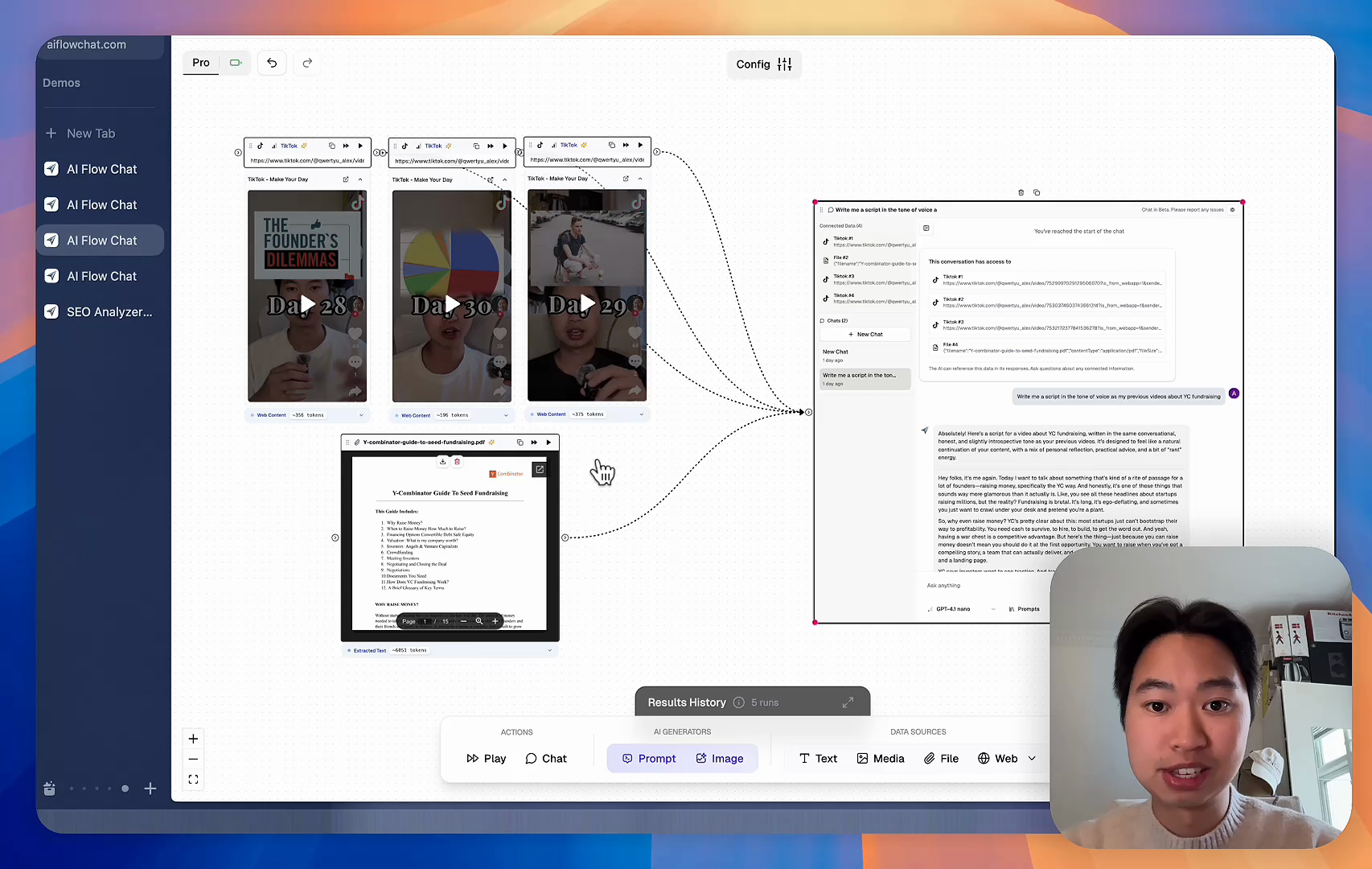
AI Flow Chat

Stop Losing Your AI Work

Tired of rewriting the same prompts, juggling ChatGPT and Claude in multiple tabs, and watching your best AI conversations disappear forever?

AI Flow Chat lets you save winning prompts to a reusable library, test all models in one workspace, and convert great chats into automated workflows that scale.


Teach World Class AI About Your Business, Content, Competitors… Get World Class Answers, Content, Suggestions...
AI Flow Chat powers our entire content strategy. We double down on what’s working, extract viral elements, and create stuff fast.
Video thumbnail

Reference Anything

Bring anything into context of AI and build content in seconds

YouTube

PDF

DOCX

TikTok

Web

Reels

Video Files

Twitter Videos

Facebook/Meta Ads

Tweets

Coming Soon

Audio Files

Coming Soon

Choose a plan to match your needs

Upgrade or cancel subscriptions anytime. All prices are in USD.

Basic

For normal daily use. Ideal for getting into AI automation and ideation.

$30/month
  • See what Basic gets you
  • 11,000 credits per month
  • Access to all AI models
  • 5 app schedules
  • Free optional onboarding call
  • 1,000 extra credits for $6
Get Started

No risk, cancel anytime.

ProRecommended

For power users with high-volume needs.

$100/month
  • See what Pro gets you
  • 33,000 credits per month
  • Access to all AI models
  • 10 app schedules
  • Remove AI Flow Chat branding from embedded apps
  • Free optional onboarding call
  • 2,000 extra credits for $6
Get Started

No risk, cancel anytime.

Frequently Asked Questions

Everything you need to know about AI Flow Chat. Still have questions? Contact us.